How to Record Meetings Without a Bot Joining the Call
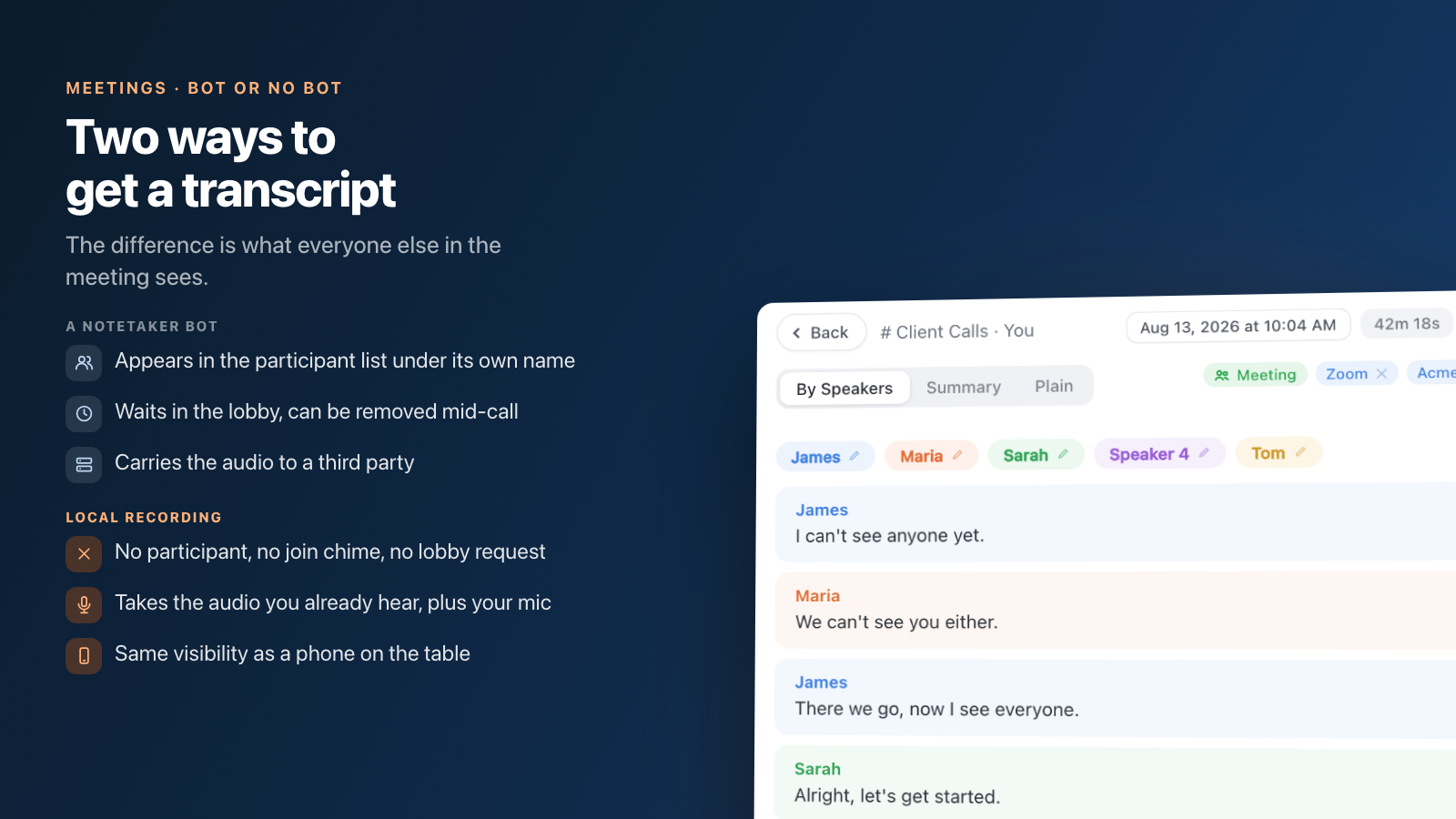
There are two ways to get a transcript of a call, and the difference is not technical detail — it is what everyone else in the meeting sees. A notetaker bot dials in as its own participant, with a name in the list and an entry in the meeting record. A local recorder captures the audio your computer is already playing, plus your microphone, and never joins anything.
If you want the second one, the short answer is: pick a tool that records on the device rather than one that sends an agent to the meeting. Granola and Speak-Y work that way by default, Fireflies and Otter both have a bot-free mode in their desktop apps, and Fathom lists bot-free capture on its pricing page as a Mac beta. Nothing shows up in the participant list, the platform does not matter, and no admin policy can turn it off — because there is nothing to admit.
What that buys you and what it costs is the rest of this guide. Facts about other products and platform settings below were checked on 16 August 2026.
What a notetaker bot looks like from the other side
It looks like a guest nobody invited. Otter's assistant joins scheduled calls from your calendar and appears in the participant list under its own name; Fathom's shows up as your name plus "Fathom Notetaker"; Fireflies' notetaker can be invited to a live call or set to auto-join everything on your calendar.
That visibility has three consequences people underestimate.
It is a participant, so it obeys participant rules. It waits in the lobby, it can be denied entry, it can be removed mid-call, and it shows up in whatever attendance record the platform keeps. Your notes depend on someone else's admit decision.
It is a separate connection to a third party. The bot receives the meeting audio directly and carries it to the vendor's infrastructure. That is the part compliance teams object to, and it is independent of how good the transcript is.
It is a metered resource. Otter caps concurrent meetings by plan — one on Basic, two on Pro, three on Business and Enterprise — because each bot is a real attendee occupying a real seat.
What local recording looks like from the other side
Like nothing at all. There is no participant, no join chime, no lobby request and no line in the attendance export. The recorder sits between your speakers and your ears, taking the same audio you are hearing, and adds your microphone as a second channel so speakers can be told apart afterwards.
This is not a stealth feature, and it is worth being blunt about that: it has the same visibility as a phone recording on the table. The platform will not announce it for you. Removing the bot removes the accidental notice it was giving — an argument for saying so out loud, not for staying quiet.
Why 2026 turned this into a policy question
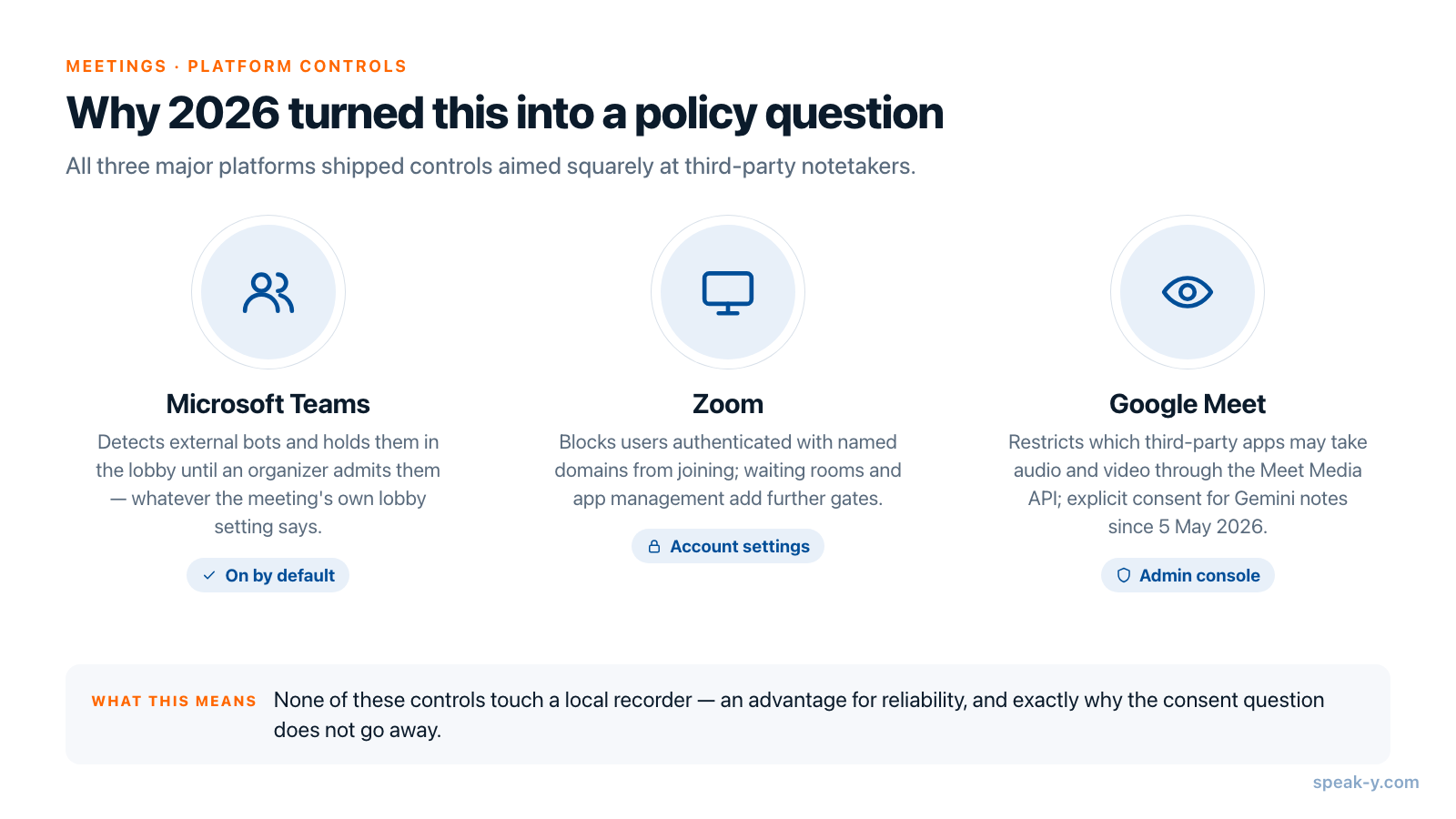
Through 2026 all three major platforms shipped controls aimed squarely at third-party notetakers. If your workflow depends on a bot, this is the year it started depending on other people's admins.
| Platform | Control | Where it sits |
|---|---|---|
| Microsoft Teams | Detects external bots and holds them in the lobby until an organizer explicitly admits them, whatever the meeting's own lobby setting says | Meeting policy, "Manage external bots and their access to meetings" — ExternalBotAccessMode, default RequireApprovalWhenDetected |
| Zoom | Blocks users authenticated with named domains from joining meetings and webinars; waiting rooms and app management add further gates | Account settings, "Blocking users in specific domains" |
| Google Meet | Restricts which third-party apps may take audio and video through the Meet Media API; Google's own admin guidance treats external recording apps as a security risk | Admin console, Media API access controls |
Two details are worth reading twice. The Teams policy is on by default —
RequireApprovalWhenDetected, not AllowBots — so detected bots already go to
the lobby in tenants nobody has configured. And Microsoft's documentation is
explicit that organizers see a reminder about the risk before admitting one,
which changes the social meaning of that click.
Google went further on the consent side: explicit participant consent for Gemini-generated notes, recordings and transcripts began rolling out on 5 May 2026, off by default and controlled by admins. The direction of travel is the same everywhere — capture is becoming something a meeting agrees to rather than something one attendee switches on.
None of these controls touch a local recorder. That is genuinely an advantage for reliability, and it is also the reason the next section exists.
Bot-free does not mean consent-free
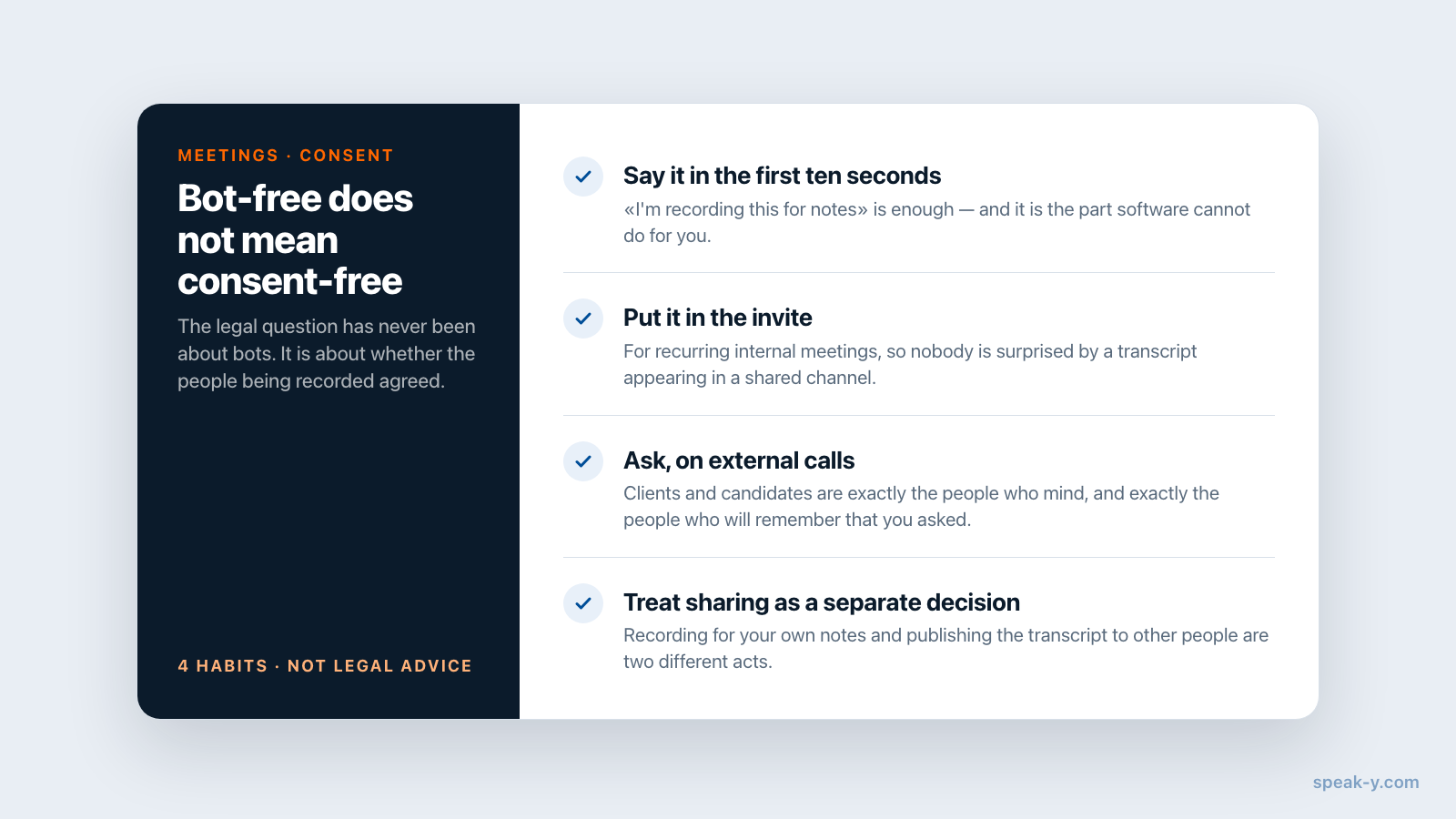
The legal question has never been about bots. It is about whether the people being recorded agreed, and the rules differ by jurisdiction: some require consent from one party to the conversation, others from all of them, and GDPR adds its own obligations for meetings involving people in the EU.
The live test case is In re Otter.AI Privacy Litigation (N.D. Cal., No. 5:25-cv-06911), a consolidated class action alleging that the assistant recorded participants who never agreed — consent from the host who added it, the complaint says, is not consent from everyone else. Otter's motion to dismiss was argued on 20 May 2026. Whatever the outcome, notice the shape of the claim: it is about consent, not about visibility, and a bot-free recorder inherits it whole. None of this is legal advice.
Practically, three habits cover most of it:
- Say it in the first ten seconds. "I'm recording this for notes" is enough, and it is the part software cannot do for you.
- Put it in the invite for recurring internal meetings, so nobody is surprised by a transcript appearing in a shared channel.
- Ask, on external calls. Clients and candidates are exactly the people who mind, and exactly the people who will remember that you asked.
Which tools can record without a bot
Bot-free capture stopped being a single vendor's differentiator this year — even the tools best known for their bots now ship a desktop mode that records without one. As of 16 August 2026:
| Tool | Bot-free capture | Plan needed |
|---|---|---|
| Granola | Yes — no bot at all, captures computer audio | Basic (free); Business $14/user/month |
| Fireflies | Yes — "Take Notes" in the desktop app records system audio with no notetaker joining | Desktop app requires Pro, from $10/seat/month annually |
| Fathom | Listed on its pricing page as bot-free capture, beta for Mac | Free plan available; Premium $16/month annually |
| Otter | Yes — its desktop app records from the Mac or Windows machine without a bot joining; the meeting agent still auto-joins calls when you schedule it | Basic free (300 transcription minutes/month) |
| Speak-Y | Yes — records the call locally, nothing joins | Meeting mode on Pro and Pro+ |
So the useful question is no longer "does a bot join". It is what happens to the audio in the second after it is captured: whether it is uploaded to a vendor's cloud by default, who can read it there, and whether the transcript is yours to move. Two tools can both be bot-free and land in completely different places on that question.
What local recording actually costs you
An honest list, because these are real constraints and not marketing softeners.
- You have to be there. No sending a bot to the meeting you are skipping, and no recording that starts without you.
- It runs on one device. The recording is made where you were sitting; every other copy comes from you sharing it deliberately.
- Closing the laptop stops it. A cloud bot does not care about your battery.
- You capture what your machine hears. Bad conference-room audio stays bad; how well speakers are separated depends on the tool, not on the platform's per-participant streams.
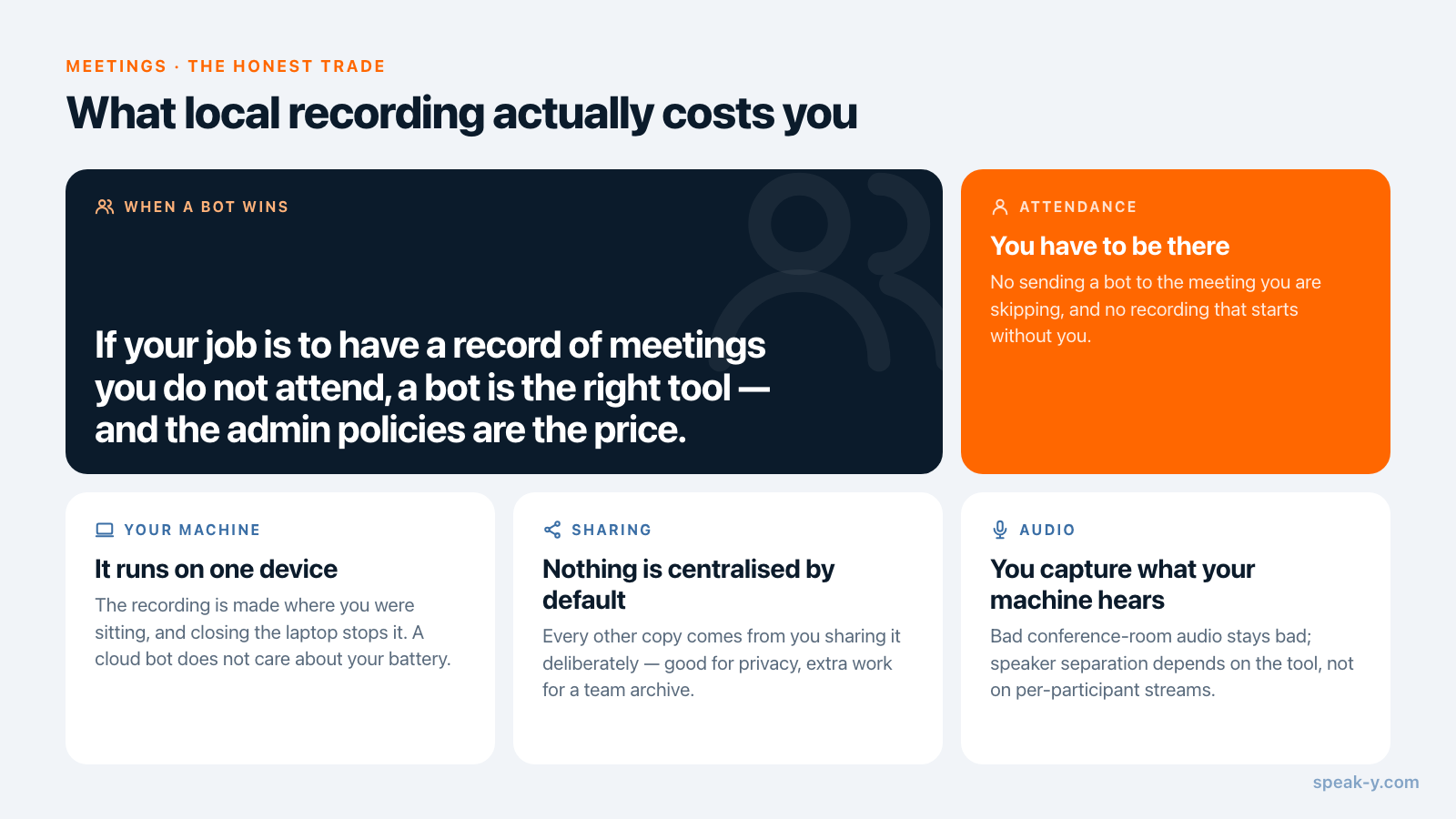
If your job is to have a record of meetings you do not attend, a bot is the right tool and the admin policies above are the price. For meetings you are actually in, the local path is simpler and has fewer parties in it.
How this works in Speak-Y
Speak-Y's meeting mode records any call locally on macOS — Zoom, Microsoft Teams, Google Meet, FaceTime, or anything else that plays audio. No bot joins and no participant sees a third-party attendee. It captures system audio and your microphone as separate channels, which is what lets the transcript be split by speaker afterwards, along with a summary and the action items.
Transcripts stay on your device by default. When you do want them shared, that is a deliberate step: meetings go into end-to-end encrypted team channels where the keys exist only on the team's devices, rather than a workspace that sees everything by default. And because the built-in MCP server reads that library locally, Claude, Cursor or ChatGPT can search your meetings without the transcripts being uploaded anywhere for them to do it.
Meeting mode is part of the Pro and Pro+ plans; the free plan covers dictation with 2,000 words a week and no credit card. The meeting notes overview has the full picture of what gets extracted after a call.
Once recording without a bot is working, the next question is usually what to do with the pile of transcripts it produces — which is a filing problem, not a capture one. Turning meetings into a searchable team memory picks up there.
FAQ
How do I record a meeting without a bot joining?
Use a recorder that runs on your own computer and captures the audio the call is already playing, together with your microphone, instead of one that dials into the meeting as a participant. Nothing appears in the participant list because nothing joins the call. Granola and Speak-Y work this way by default; Fireflies and Otter both offer it in their desktop apps, and Fathom lists bot-free capture on its pricing page as a Mac beta.
Can other participants see that I am recording locally?
Not from the meeting platform. A local recorder is not a participant, so there is no name in the list, no join sound and no lobby request — the same way a phone recording on the table is invisible to Zoom. That is exactly why announcing it is your job rather than the software's.
Why did my company block AI notetaker bots?
Because a bot is an external account that joins the call and carries the audio to a third-party vendor. Microsoft Teams now ships an admin policy that detects external bots and holds them in the lobby until an organizer admits them, on by default. Zoom admins can block joins from specific domains, and Google Workspace admins can restrict third-party access to Meet's Media API.
Is bot-free recording legal?
Recording rules depend on jurisdiction and on the participants, not on whether a bot is visible. Some places require consent from one party, others from all of them, and GDPR adds its own duties in the EU. Removing the bot removes the visual hint that a recording is happening, so the announcement matters more, not less. This is general information, not legal advice.
Does local recording work with Zoom, Teams and Google Meet?
Yes — a local recorder captures whatever plays through your computer, so the platform is irrelevant. That includes Zoom, Microsoft Teams, Google Meet, FaceTime, Discord and browser-based calls with no bot integration at all. The trade-off is that you have to be in the meeting yourself, on that device.