MCP Servers for Meeting Notes Compared: Who Has One, On What Plan
Most meeting-notes tools now ship an MCP server. Checked on 11 August 2026, Fireflies, Otter, Granola, Fathom, Circleback, Avoma, tl;dv and MeetGeek all document one, and so does Speak-Y. "Does it support MCP?" has stopped being a question that separates anything.
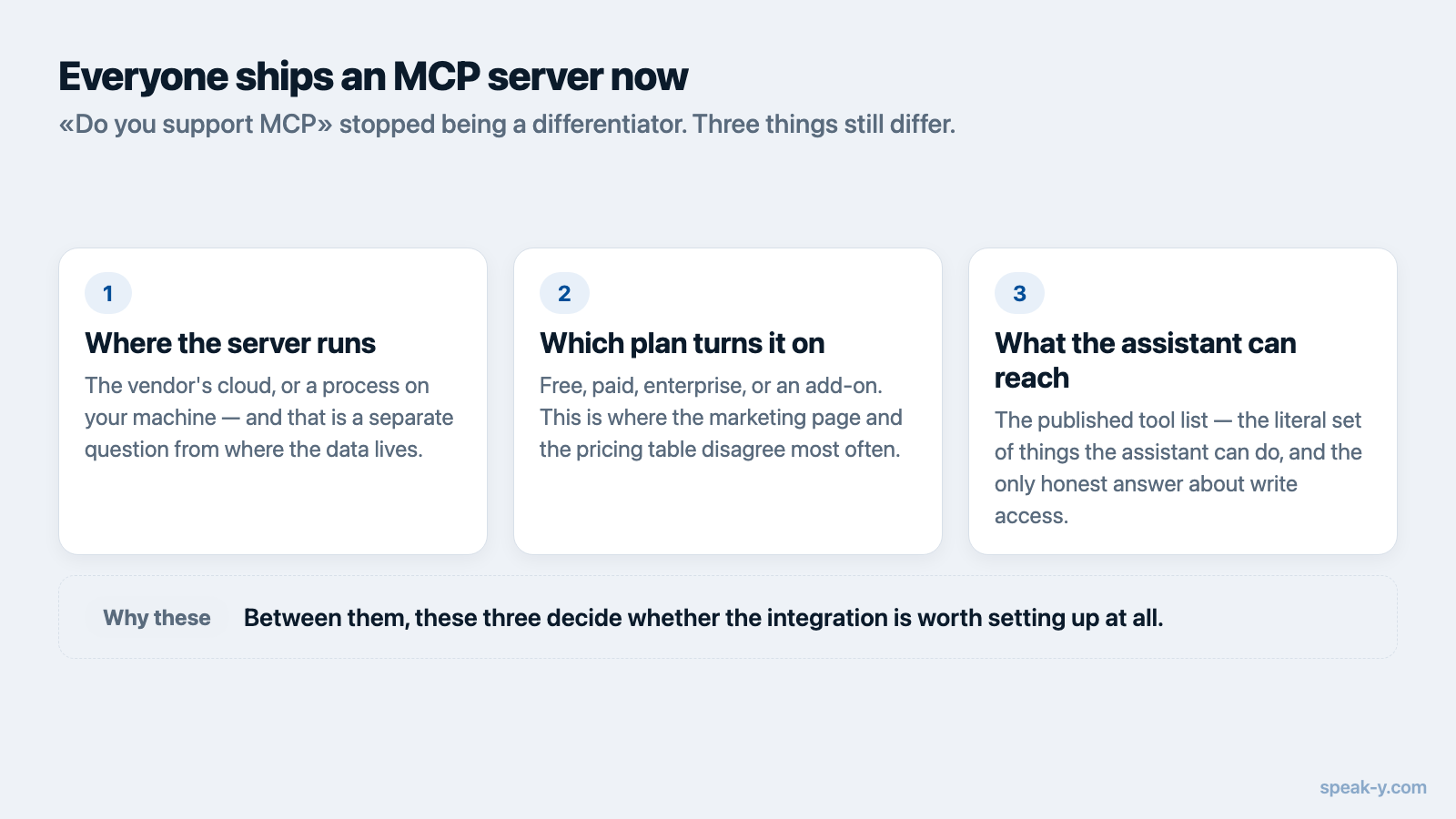
Three things still differ, and between them they decide whether the integration is worth setting up: where the server runs, which plan turns it on, and what the assistant can reach once it is connected. A server that exists on paper but cannot read a transcript on your plan is not an integration.
This article compares those three points across nine notetakers, with the vendor page behind each claim. If the protocol itself is new to you, start with what an MCP server is and come back.
The comparison
| Tool | Where the server runs | Sign-in | Plan needed |
|---|---|---|---|
| Speak-Y | Your machine, on local recordings | None — local | Every plan, including Free |
| Fireflies | Fireflies cloud (api.fireflies.ai/mcp) |
OAuth or API key | Not stated for MCP; API access listed on every plan |
| Otter | Otter cloud | OAuth | Ticked on all four plans, free Basic included |
| Granola | Granola cloud (mcp.granola.ai/mcp) |
Browser OAuth only | Free is limited; transcripts on paid |
| Fathom | Fathom cloud (api.fathom.ai/mcp) |
OAuth via connector | Not stated |
| Circleback | Circleback cloud (circleback.ai/api/mcp) |
OAuth | No free plan exists |
| Avoma | Avoma cloud (mcp.avoma.com/mcp) |
OAuth | Organization/Enterprise, or API Access add-on |
| tl;dv | Your machine, on tl;dv cloud data | API key | Business or Enterprise |
| MeetGeek | Your machine, on MeetGeek cloud data | API key | Not stated |
Every row was read off the vendor's own documentation or pricing page on 11 August 2026. Where a vendor does not state a plan requirement, the table says so rather than guessing: several of these servers shipped within the last year and the pricing pages have not all caught up with the docs.
Local server, cloud data: the distinction that gets blurred
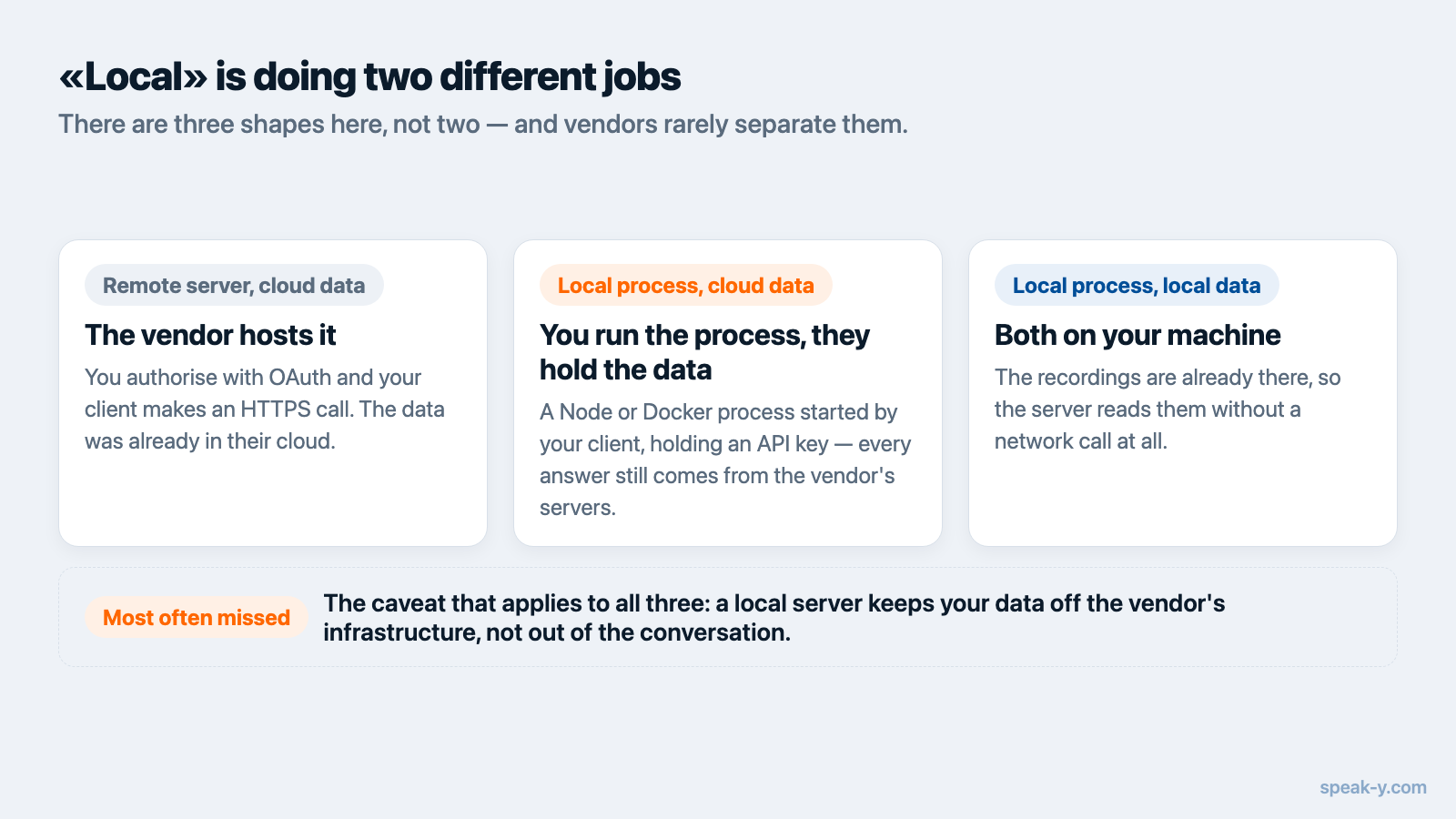
The word local is doing two different jobs in that table, and vendors rarely separate them. There are three shapes here, not two.
Remote server, cloud data. Fireflies, Otter, Granola, Fathom, Circleback and Avoma all host the server themselves. You authorise it with OAuth, and your AI client makes an HTTPS call to the vendor when it needs something. This is the natural shape when the transcripts already live in that vendor's cloud — the MCP server is simply another door into the same building.
Local process, cloud data. tl;dv and MeetGeek both ship a server you run yourself: a Node or Docker process started by your AI client, holding an API key. Nothing about that makes the data local. The process runs on your laptop and then calls the vendor's API over the network for every transcript. If someone tells you their MCP server is local, this is the case worth ruling out.
Local process, local data. This is the shape where the recordings are on the machine to begin with, so the server reads them without a network call. Of the tools in this table, that describes Speak-Y, whose server is part of the desktop app and reads the recordings already stored on your Mac.
One caveat applies to all three shapes, and it is the one most often missed: a local server keeps your data off the vendor's infrastructure, not out of the conversation. Whatever the assistant reads is sent to whichever model you are chatting with. Local means not stored elsewhere, not invisible to the model.
Which plan turns it on
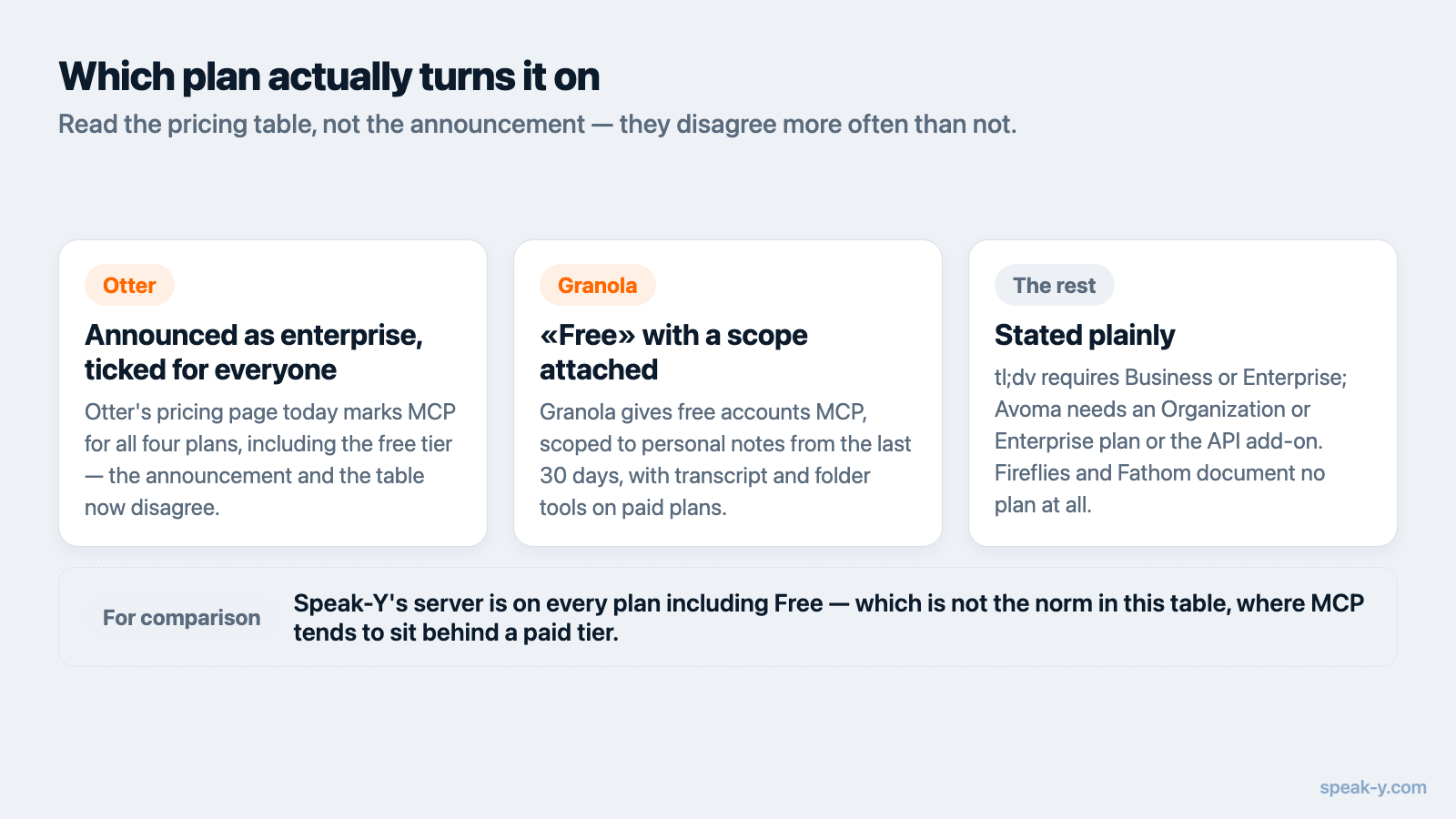
This is where the marketing and the pricing table disagree most often.
Otter announced MCP as an enterprise capability, but its pricing page today ticks the "MCP server integration for AI assistants" row for all four plans, including the free Basic tier, and lists "Otter MCP server" among Basic's features. Read the comparison table, not the announcement.
Granola shows why "available on free" needs a second look. Free accounts get MCP, but scoped to personal notes from the last 30 days, and the transcript and folder tools are documented as paid-only. The server is present; the tool you actually wanted is behind the paywall. That pattern — MCP on the free tier, useful tools gated — is the one to check for specifically.
tl;dv states the requirement plainly in its own server repository: a Business or Enterprise account. Avoma needs an Organization or Enterprise plan or the API Access add-on, plus a paid Claude plan on the client side, because it is installed as a custom connector rather than from a directory. Circleback has no free tier at all, so the question does not arise.
Fireflies and Fathom document their servers without naming a plan. Fireflies lists API access on every plan including Free, which suggests but does not confirm the same for MCP. Speak-Y includes its server on every plan, free one included, with no API key to create.
What the assistant can actually reach
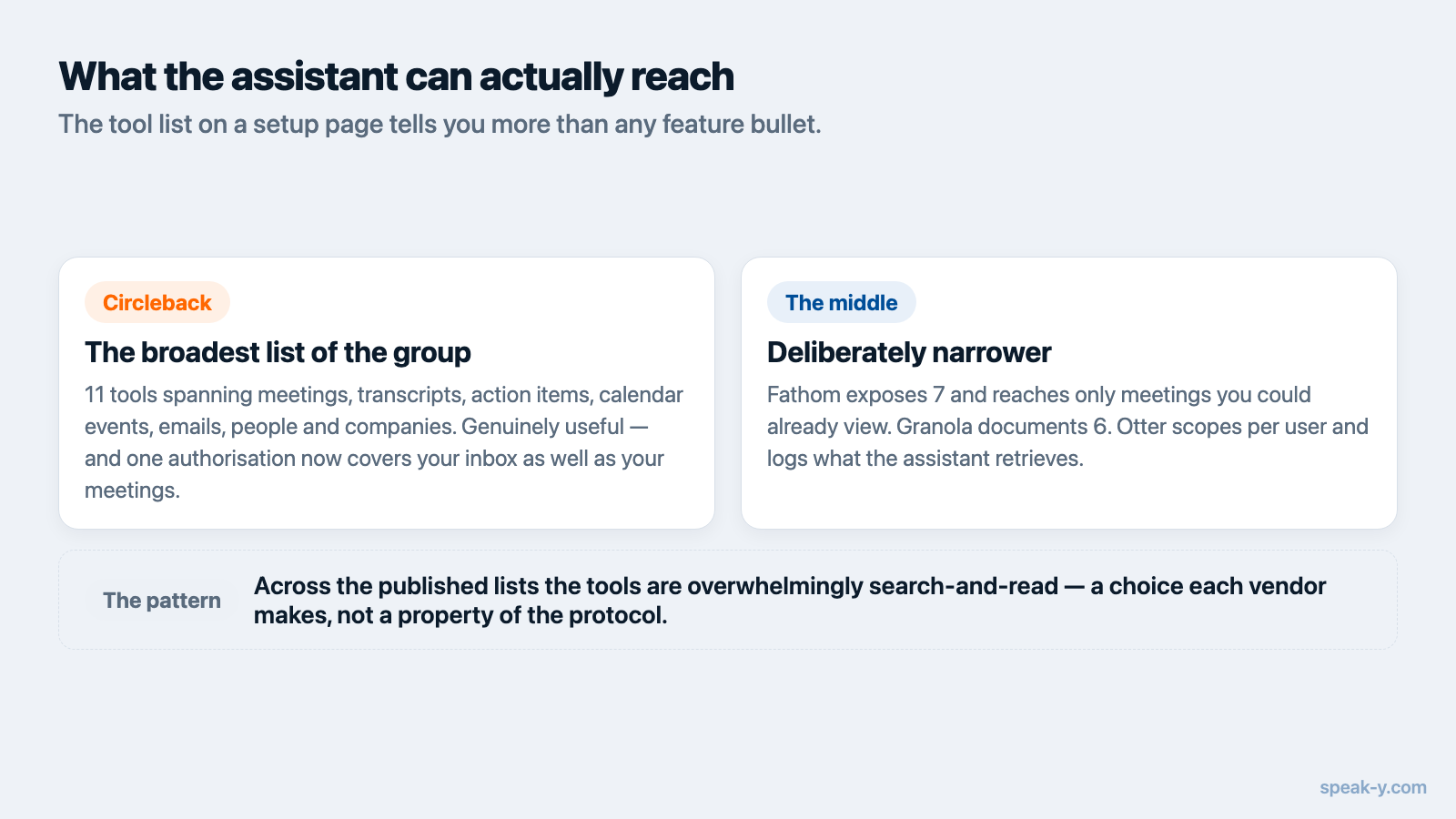
The tool list on a setup page tells you more than any feature bullet, because it is the literal set of things the assistant can do.
Circleback publishes the broadest list of the group: 11 tools spanning meetings, transcripts, action items, calendar events, emails, people and companies. That is genuinely useful — and worth a moment's thought, since one authorisation now covers your inbox as well as your meetings.
Fathom exposes 7 tools and states that the integration can only reach meetings you already have permission to view, adding no new categories of data. Granola documents 6, including a chat-style query tool. Otter scopes access per user through OAuth and logs what the assistant retrieves. Speak-Y exposes search across your recordings plus transcripts, summaries and action items, reading the copy on your Mac.
Across the published lists, the tools are overwhelmingly search-and-read. That is a choice each vendor makes, not a property of the protocol: MCP standardises how tools are described and called, not what they are allowed to touch. If write or delete actions matter to you in either direction, the tool list is the only place that answer is stated honestly.
Worth noting separately: if your calls already live in Zoom, you may not need a notetaker's MCP server at all. Zoom announced expanded MCP capabilities on 18 May 2026 covering meeting summaries, transcripts, recordings, notes and action items, reachable from Claude and ChatGPT. The same logic applies to any platform whose recordings you already keep.
A five-minute check before you commit
Vendor pages are not designed to answer these questions directly, but they do contain the answers.
- Find the server address. An
https://URL means the vendor's cloud. Annpx,uvxordockercommand means a process on your machine — which settles nothing about the data until you check the next point. - Look at the credential. OAuth in a browser means the data is theirs to authorise. An API key pasted into a config file means the local process calls their API on your behalf. Neither is local data.
- Read the tool list, not the feature bullet. Names and counts are concrete; "AI-powered meeting intelligence" is not.
- Check the pricing comparison row, not the launch blog post. Otter is the worked example: the blog frames MCP as enterprise, the pricing table ticks every plan.
- Ask whether the free tier can read a transcript. Granola is the worked example there.
When another tool is the better pick
A few cases where this comparison points away from us, plainly:
- Your team is standardised on Zoom. Zoom's own MCP server reaches the same recordings without adding a vendor.
- You want email and calendar in the same connection. Circleback is the only tool here that documents those alongside meetings.
- You are not on macOS. Most servers in this table are cloud-hosted and do not care what you run; Speak-Y's is part of the macOS app, and that is a real constraint for a mixed-OS team.
- You need a bot to join calls you are not attending. Bot-based notetakers cover that; local recording does not.
Where this leaves you
The useful question in August 2026 is not whether a meeting tool supports MCP. It is whether the server reads the data you care about, on the plan you are actually on, from a place you are comfortable with. Those three answers vary far more than the marketing suggests, and all three are on the vendor's own pages if you know which line to read.
If you want to try the local shape, the Speak-Y MCP server installs from Settings → Integrations in a click, with no API key and no paid tier, and reads the meeting notes already on your machine. The MCP documentation covers manual setup for clients without a one-click installer, and once a team shares meetings into a common knowledge base, the same questions start returning answers from calls you were never in.
FAQ
Which meeting-notes tools have an MCP server?
As of 11 August 2026, Fireflies, Otter, Granola, Fathom, Circleback, Avoma, tl;dv, MeetGeek and Speak-Y all document one, and Zoom offers an MCP server for its own meeting data. The differences are where the server runs, which plan enables it, and which tools it exposes.
Does connecting an MCP server keep my transcripts private?
No. An MCP server controls where your data is stored and who hosts the connection, not what the model sees. Whatever the assistant reads through the server is sent to your model provider as part of the conversation, exactly as if you had pasted it in.
Do I need a paid plan to use a meeting-notes MCP server?
It varies by vendor. Otter's pricing page ticks MCP on all four plans including the free one, and Speak-Y includes it on every plan. tl;dv requires Business or Enterprise, Avoma requires an Organization or Enterprise plan or the API Access add-on, and Circleback has no free plan at all.
What is the difference between a local and a remote MCP server?
A remote server runs on the vendor's infrastructure and the assistant reaches it over HTTPS with OAuth. A local server runs as a process on your own machine. The catch is that a local process can still read cloud data over an API — tl;dv and MeetGeek work that way — so a local server does not by itself mean local data.
Can an MCP server change or delete my meeting notes?
Only if the server exposes tools that do. Most published meeting-notes tool lists are search-and-read: Circleback documents 11 tools, all retrieval. MCP itself imposes no permission model, so the tool list on the vendor's setup page is the thing worth reading.