20 Prompts to Ask Your AI Assistant About Your Meetings
Once your meeting transcripts are reachable over MCP, the useful question stops being "how do I connect this" and becomes "what do I actually ask." The answer that most people arrive at after a week is: not "summarise my last meeting." That one you can get from the app. The prompts worth the setup are the ones that span several meetings, or that join what was said to something else you are working on.
The mechanics matter for writing good ones. Your assistant does not read your whole archive. It searches, gets back a list with short previews, picks what looks relevant and reads those in full — so a prompt works better when it gives the search something to narrow by (a period, a topic, a tag) and tells the assistant what shape the answer should take.
Below are twenty prompts grouped by the job they do, then the ones that fail and why. They are written for Speak-Y's MCP server, but nothing about them is specific to it — any assistant that can search transcripts and read them will handle the same shapes.
What the assistant can reach
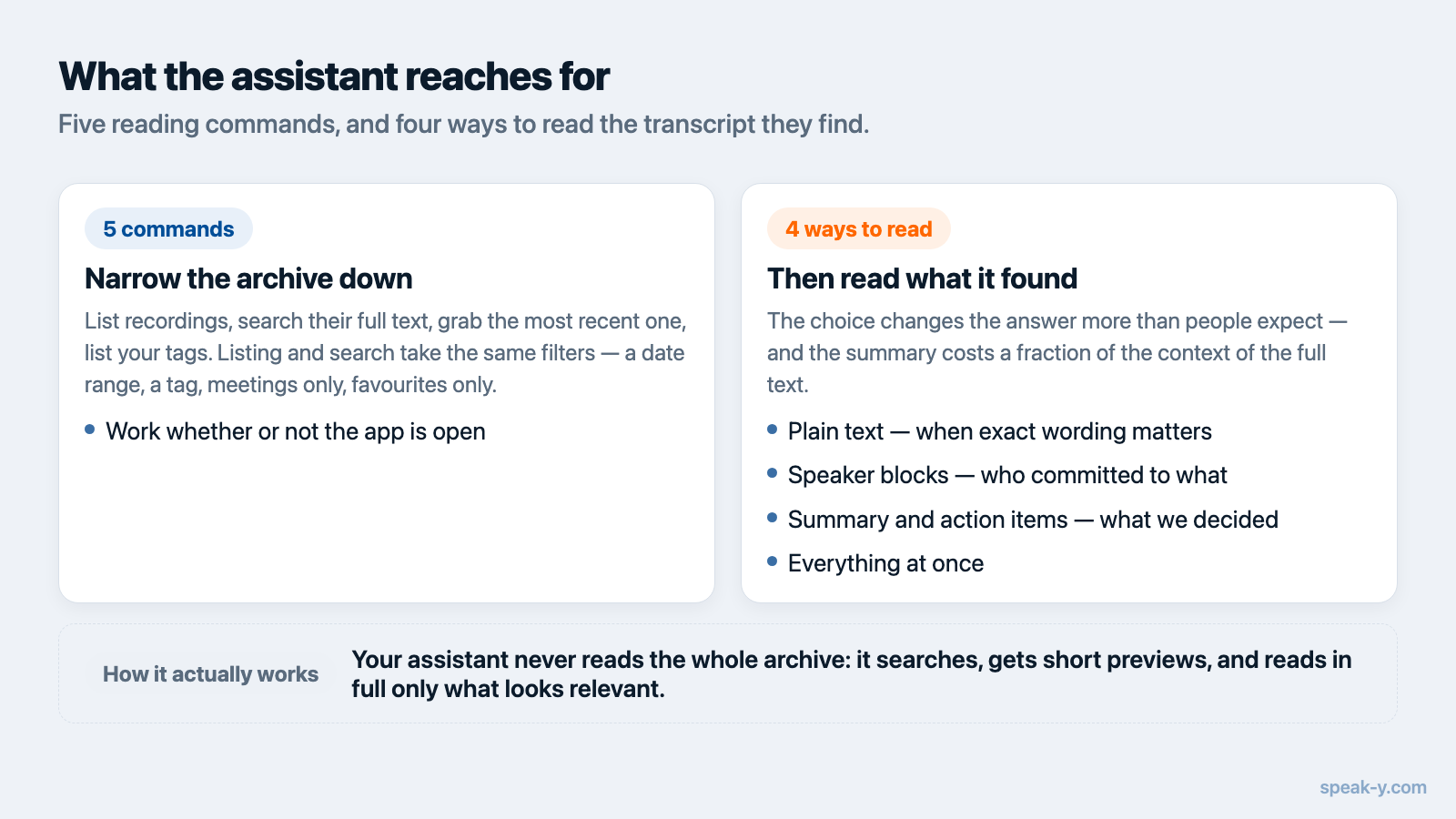
Five commands read your library directly and work whether or not the app is open: list recordings, full-text search, read one transcript, grab the most recent recording, and list your tags. Both listing and search take the same filters — a date range, a tag, meetings only, favourites only — which is why "my meetings from last week" is a cheap instruction and "everything I ever said about onboarding" is an expensive one.
A transcript can be read four ways, and the choice changes the answer more than people expect: plain text, speaker-labelled blocks, the AI summary with action items, or everything at once. For "what did we decide", the summary is enough and costs a fraction of the context. For "who committed to what", you want speaker blocks — a summary flattens attribution, and sometimes gets it wrong.
For managers and team leads
1. Go through my meetings from the past two weeks and list every commitment I personally made, with the meeting each came from.
2. Which action items from my meetings this month have not been mentioned again in any later meeting? — a decent proxy for "quietly dropped."
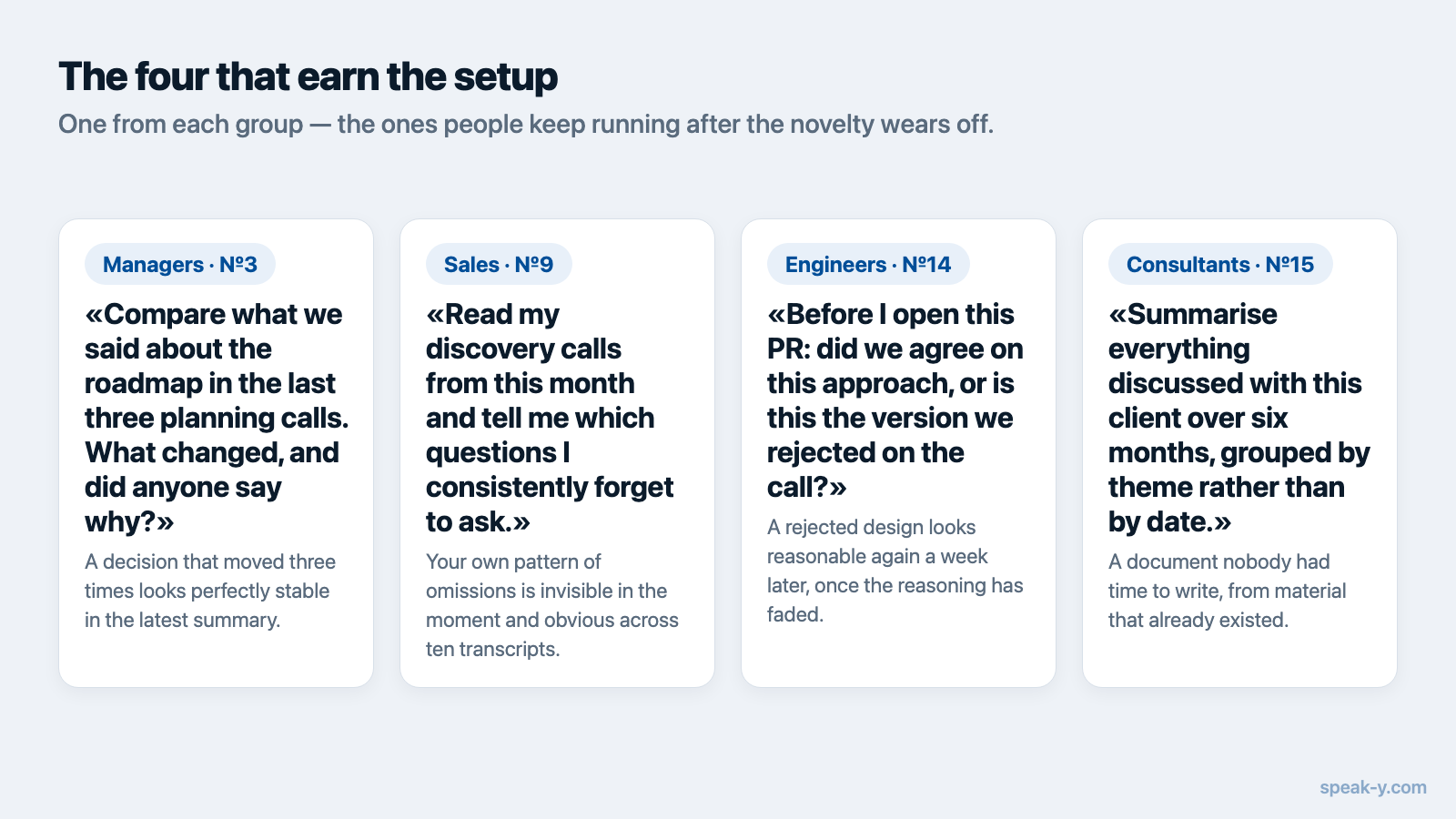
3. Compare what we said about the Q3 roadmap in the last three planning calls. What changed, and did anyone say why?
4. Read my one-on-ones from this quarter and tell me which topics come up repeatedly with more than one person.
5. I have a status update to write. Pull the decisions and blockers from my meetings this week and draft it in five bullets.
Number 3 is the one managers keep. A decision that moved three times looks perfectly stable in the latest summary; only the comparison across calls shows that it moved, and transcripts are the only place the reasoning survived.
For sales and client-facing work
6. Find my calls with Northwind and give me a timeline of what they asked for, in order.
7. What objections came up in my last five sales calls, and how did I answer each one?
8. Before my call with this client: what did we promise them last time, and what is still outstanding?
9. Read my discovery calls from this month and tell me which questions I consistently forget to ask.
10. Draft a follow-up email from yesterday's client call — only the points they actually raised, nothing invented.
Number 9 is uncomfortable and worth running monthly. Your own pattern of omissions is invisible to you in the moment and obvious across ten transcripts. The "nothing invented" clause in number 10 does real work: without it, models helpfully round a follow-up out with plausible commitments nobody made.
For engineers
11. What did we agree to change about the retry logic, and which objections were raised before we agreed?
12. Read this week's meetings for bugs we promised to fix, then check whether any of them are already fixed in the repo.
13. Turn the API decisions from Tuesday's call into a short spec I can put in the README.
14. Before I open this PR: did we agree on this approach, or is this the version we rejected on the call?
These pay off in an editor, where the assistant can read the transcript and the code in one session — the Cursor setup covers that specifically. Number 14 catches a genuinely expensive mistake: a rejected design looks reasonable again a week later, because the reasoning that killed it lived in a conversation nobody wrote down.
For consultants and agencies
15. Summarise everything discussed with this client over the past six months, grouped by theme rather than by date.
16. What did the client approve, and what did they only say they liked? — the distinction that decides scope arguments.
17. Pull the constraints and requirements from the kickoff call and check them against what we ended up building.
Number 15 is the one that justifies keeping the archive at all. Six months of calls grouped by theme is a document nobody had time to write, produced from material that already existed.
Housekeeping, without leaving the chat
18. Tag the last three recordings as api-redesign.
19. Rename Speaker 2 to Marta in yesterday's meeting, then re-read it and tell me what she pushed back on.
20. File Tuesday's interview into our hiring channel.
These are the commands that change something, and they behave differently: they
need the Speak-Y app running, and they are declared to your MCP client as
data-changing, so it asks before running them unless you grant standing
permission. The MCP specification is explicit that clients "SHOULD" keep a human
in the loop and prompt for confirmation on sensitive operations. Number 20
leaves your machine and cannot be recalled from chat, so it is worth reading the
confirmation rather than clicking through it. If you would rather one client
could not do any of this, start the server with --read-only in that client's
config and the changing commands are not offered to it at all.
Prompts that quietly fail
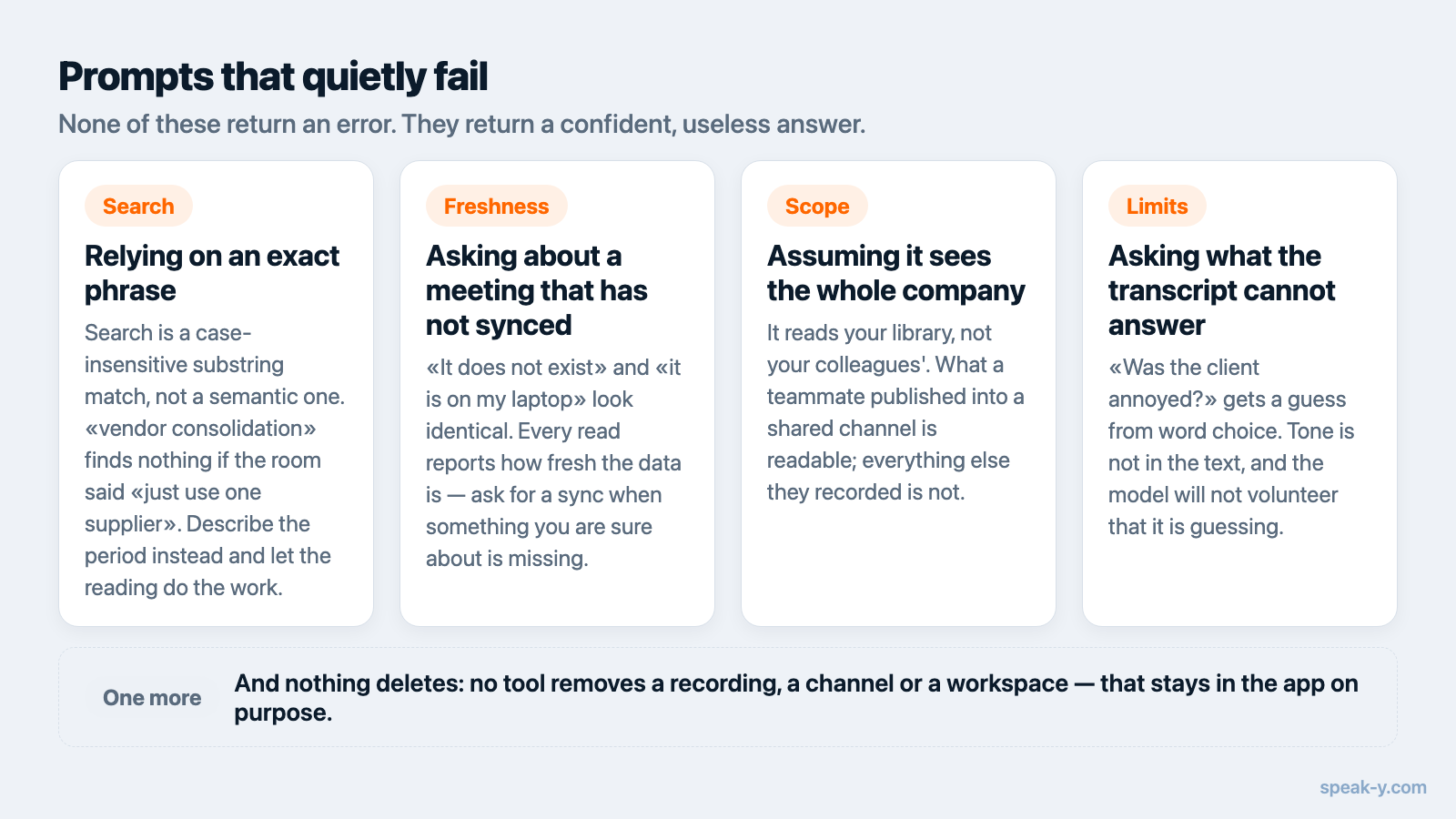
Relying on an exact phrase. Search is a case-insensitive substring match over transcript text, titles, summaries and action items — not a semantic search. "Find the meeting where we discussed vendor consolidation" returns nothing if the room said "should we just use one supplier." Describe the period and let the assistant read summaries instead of betting on your wording matching theirs.
Asking about a meeting that has not synced. Recordings live on the device that made them and sync from your others. Every read reports how fresh the data is; if something you are certain about is missing, ask the assistant to sync first. "It does not exist" and "it is on my laptop" look identical otherwise.
Asking it to delete something. No tool removes a recording, a channel or a workspace. Deletion stays in the app on purpose.
Assuming it can see the whole company. The assistant reads your library, not your colleagues'. Meetings a teammate published into a shared team channel are readable through the same tools; everything else they recorded is not.
Asking a question the transcript cannot answer. "Was the client annoyed?" gets you a confident guess from word choice. Tone is not in the text, and a model will not tell you it is guessing unless you ask it to.
Writing your own
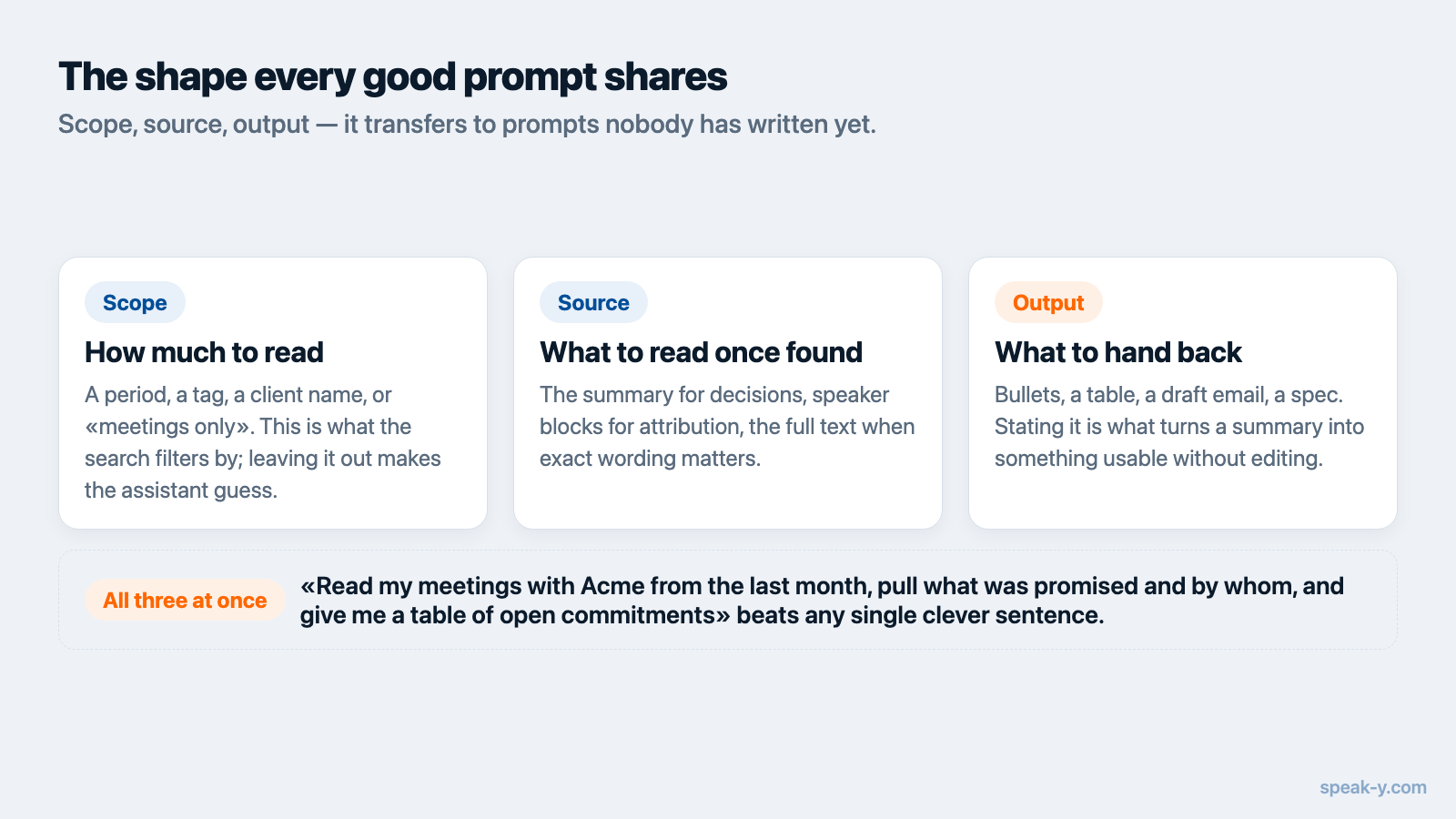
The prompts above share a shape, and it transfers:
Scope — a period, a tag, a client name, or "meetings only". This is what the search filters by, and leaving it out makes the assistant guess how much to read.
Source — what to read once found: the summary for decisions, speaker blocks for attribution, the full text when exact wording matters.
Output — bullets, a table, a draft email, a spec. Stating it is what turns a summary into something you can use without editing.
Scope, source, output. "Read my meetings with Acme from the last month (scope), pull what was promised and by whom (source), and give me a table of open commitments (output)" is a better prompt than any single clever sentence.
Where this goes next
Every prompt here runs against meetings you personally attended, which is the real ceiling: most of the reasoning behind a decision happened in calls you were not on. Meetings published into a team workspace extend the same prompts to what colleagues deliberately shared, end-to-end encrypted, so "why did we build it this way?" stops depending on who was in the room.
If you have not connected anything yet, the setup guide covers the one-click install from Settings → Integrations, and the MCP documentation has the per-client reference. The server is free on every plan, including Free.
FAQ
What can I ask an AI assistant about my meetings?
Anything that can be answered from the transcripts it can reach: what was decided, what you committed to, how a client's objections changed across calls, which action items are still open. The assistant searches your recordings, reads the ones that look relevant, and answers from their contents rather than from memory.
Do I need to name the recording in my prompt?
No, and it usually works better if you don't. Describe the period and the topic — "my meetings this week about pricing" — and let the assistant filter by date and read the summaries. Naming a file only helps when you already know exactly which one you want.
Why does my assistant say it can't find a meeting I definitely had?
Three common causes. The recording lives on another device and has not synced yet, so ask the assistant to sync and try again. The search matched literal text and your wording never appeared in the transcript. Or the library genuinely does not contain it — the assistant sees exactly what you see in the app, and nothing more.
Can the assistant change my recordings, not just read them?
It can tag recordings, rename them, name speakers in a meeting, re-run transcription and publish into a team channel — but only with the Speak-Y app running, and those commands are declared to your MCP client as data-changing so it asks before running them. Reading needs nothing running. No tool deletes a recording.
Does the assistant see my colleagues' meetings?
Only what has been deliberately shared. Your own library is what you recorded; meetings a teammate published into a shared team channel become readable through the same tools, end-to-end encrypted, while everything they did not share stays invisible.