MCP Write Access: What Makes It Safe to Let AI Change Data
For about a year, the honest answer to "is it safe to connect an AI assistant to my notes?" was that the connection only read them. That was true of most MCP servers for meeting notes, and it made the safety question easy: a tool that cannot change anything cannot change the wrong thing.
That is no longer where the interesting question is. Assistants now tag recordings, rename speakers, re-run transcription and publish notes into shared channels — and the useful version of the question is narrower: what has to be true before you let a model change your data? Four things, and none of them is "the vendor promises to be careful": the client asks before the call, the change is narrow enough to describe in one sentence, irreversible changes are marked as such, and there is a log you can read afterwards.
This article is about where that line runs. If the protocol itself is new to you, what an MCP server is covers the basics first.
What "write access" actually covers
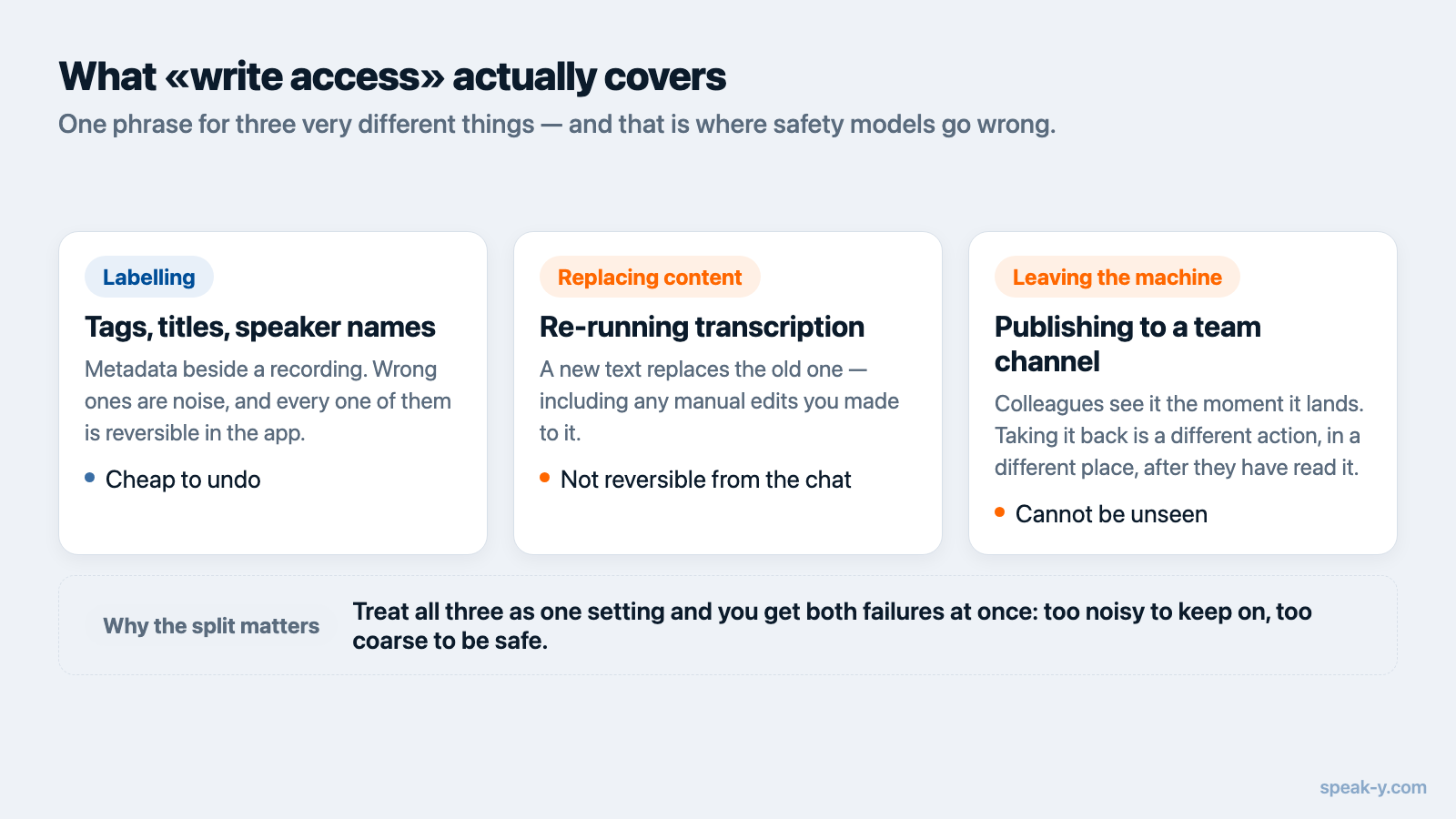
"Write access" is a single phrase for three very different things, and lumping them together is what makes the topic feel scarier than it is.
Labelling. Tags, titles, speaker names. These add or replace metadata next to a recording. If the assistant tags the wrong meeting, you open the app and untag it. The worst case is tidying up after a model that was overenthusiastic.
Replacing content. Re-running transcription on a recording produces a new text and drops the old one — including the corrections you made by hand. Nothing left your machine, but something you owned is gone. This is the class where "reversible" quietly stops being true.
Leaving the machine. Publishing a recording into a team channel, sharing a transcript by email, granting someone access. Here the change is not primarily to your data — it is to who has seen it. Undo is a technical operation on a social fact, and it does not work.
A safety model that treats those three as one setting will be wrong in both directions: too noisy for the first, too permissive for the third.
Who asks before the call — your client, not the server
MCP has a vocabulary for this. A tool definition can carry annotations:
readOnlyHint (the tool only reads), destructiveHint (it may overwrite rather
than add), idempotentHint (calling it twice changes nothing more) and
openWorldHint (it reaches out to external systems). A server that publishes a
sharing tool without openWorldHint is misdescribing itself.
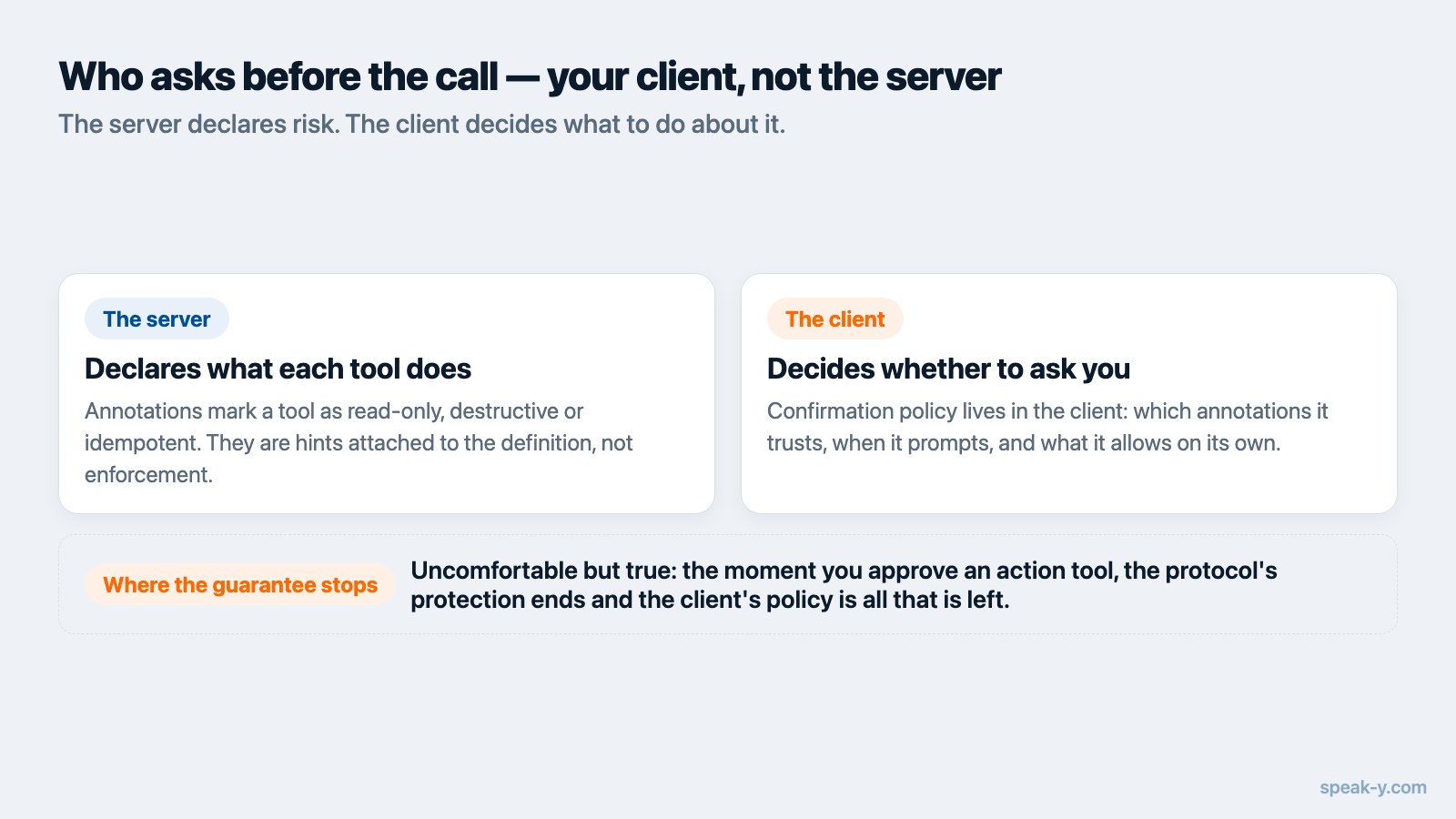
Two sentences from the specification decide how much that vocabulary is worth. First, on the client's duty: "For trust & safety and security, there SHOULD always be a human in the loop with the ability to deny tool invocations." Second, on the annotations themselves: clients "MUST consider tool annotations to be untrusted unless they come from trusted servers."
Read together, those settle the architecture. Annotations are how a server declares risk; they are not a lock the server can close. The gate lives in the client, and the confirmation prompt you see before a tool runs is your client's decision, informed by the server's declaration. Claude Code, for example, defaults MCP tools to asking, while its own built-in tools do not.
The practical consequence is uncomfortable and worth stating plainly: the moment you decide anything is the moment you grant standing permission. After "always allow", the dialog is no longer a control. Grant it per tool rather than per server — search every hour is fine, sharing every hour is not.
Which changes can be undone, and which cannot
The useful axis is not read versus write. It is what a mistake costs.
| Action | Undo | Why |
|---|---|---|
| Add or remove a tag | Yes, in the app | Metadata beside the recording |
| Rename a recording or a speaker | Yes, in the app | A label, not the content |
| Re-run transcription | No | Replaces the text, including manual corrections |
| Publish to a team channel | No | Colleagues may already have read it |
| Share a transcript by email | No | Recipients keep what they received |
Anything in the bottom three rows deserves an explicit confirmation every single time; anything in the top two probably does not. The tool list is where a vendor states which of these it offers, and it is worth reading before you connect anything.
Why a log beats one more dialog
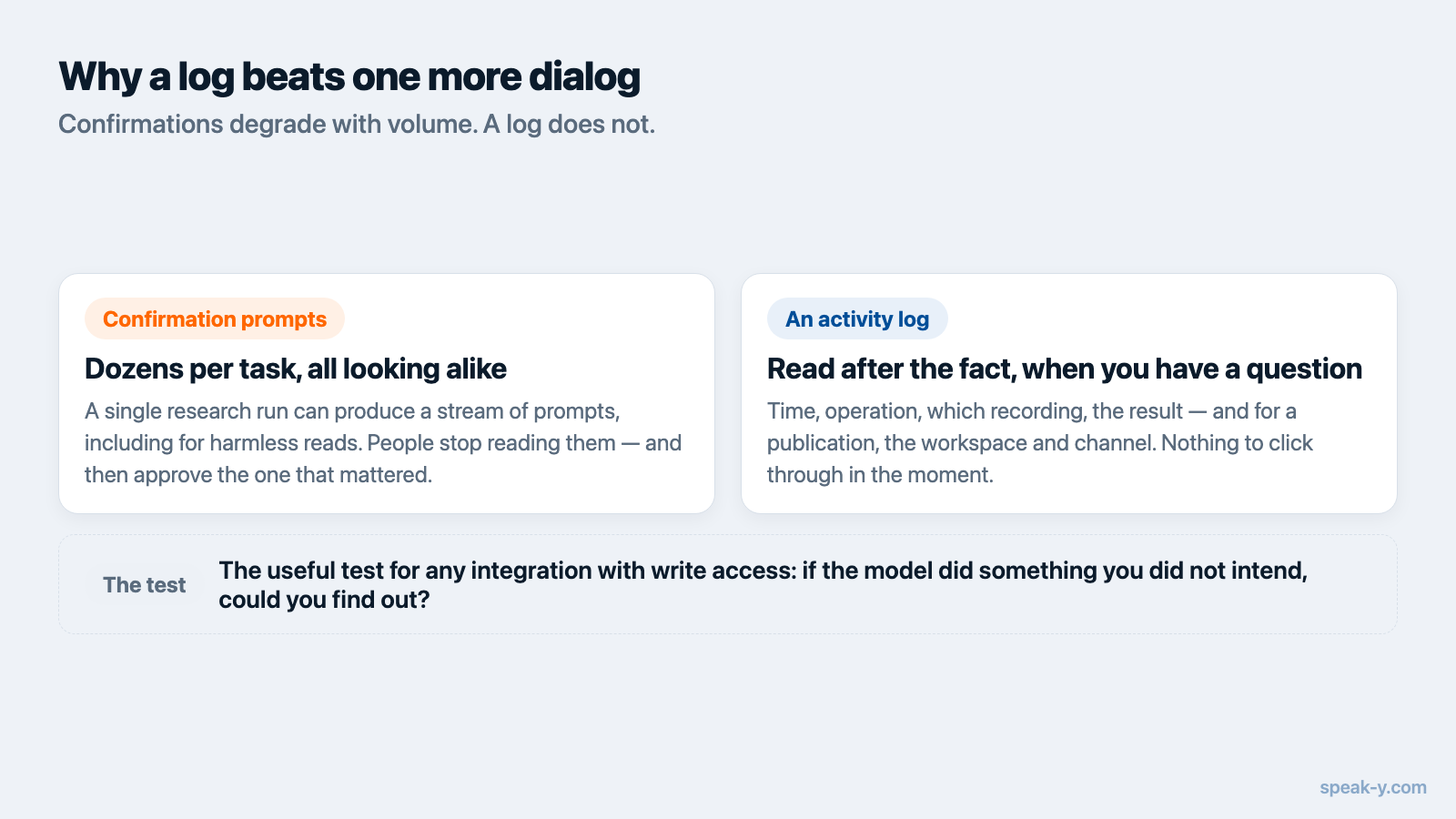
Confirmation prompts degrade. A single research task can produce dozens of them, including for tools that cannot modify anything, and the documented result is that people turn the prompts off wholesale rather than read the next one. A control that trains you to dismiss it is not a control.
A log does not degrade, because it is read after the fact and only when you have a question. The specification's own guidance to clients includes logging tool usage for audit purposes, and the same reasoning applies to the server: if an assistant can change something, you should be able to see afterwards what it changed, when, and to which record.
The useful test for any MCP integration with write access: if the model did something I did not expect last night, where would I read about it today? If the answer is "nowhere", the confirmation dialog was carrying the entire safety model on its own.
Two off switches with different reach
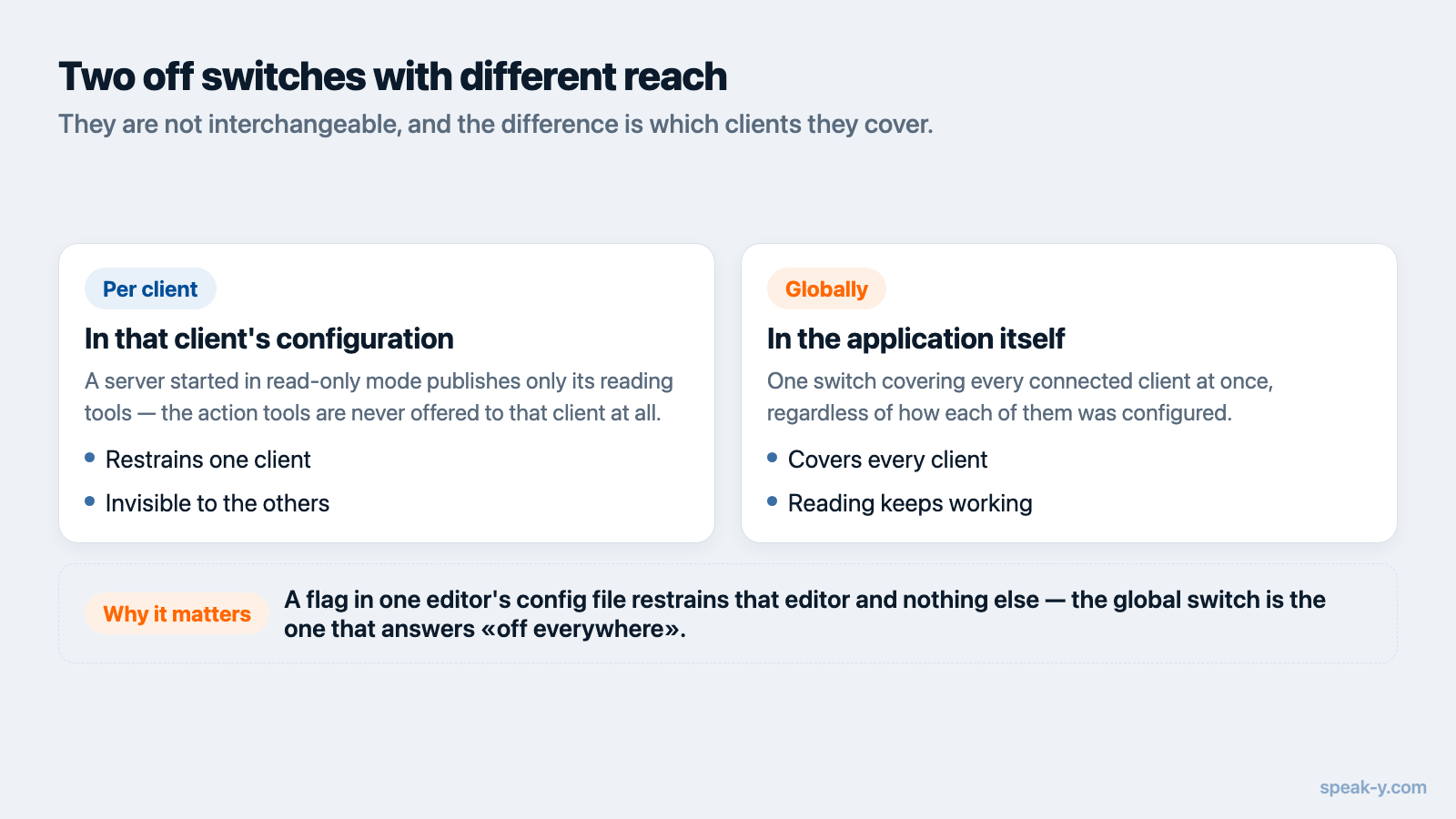
There are two ways to stop an assistant from changing things, and they are not interchangeable.
Per client, in that client's config. A server started in read-only mode
publishes only its reading tools. The difference from refusing calls is not
cosmetic: a tool the model cannot see is a tool it will not propose, so you never
get "I'll publish that to the team channel now" followed by an error. In Speak-Y
this is the --read-only flag in the server's args, and it leaves six reading
tools in place.
Globally, in the app. One switch covering every connected client at once, regardless of which one asked.
The distinction matters because a flag in Cursor's configuration file restrains Cursor and nothing else. The per-client flag says "Cursor may only read, Claude Code may do everything"; only the in-app switch is a statement about all of them.
How Speak-Y draws the line
Speak-Y splits the two halves deliberately, and the split is visible from the outside.
Reading is local and needs nothing running. Search, transcripts, summaries, action items and tags come from the library on your Mac, opened read-only by a separate process; the app does not have to be running. Nothing is uploaded for the assistant to read — though, as with any MCP server, whatever it reads is sent to your model provider as part of the conversation, which is a separate question from where the data is stored.
Changes go through the running app. Tagging, renaming, re-transcribing and publishing to a team channel are executed by the same code that sits behind the buttons in the interface, not by a second implementation with its own idea of the rules. If the app is not running, those tools say so instead of half-working.
Every action is declared and logged. The changing tools are published with
readOnlyHint: false; re-transcription and channel publishing additionally
carry destructiveHint, and publishing carries openWorldHint, because it is
the one action that leaves the machine. The last 50 actions are listed in
Settings → Integrations with time, operation, record and outcome — and
without transcript text, which would otherwise outlive the recording it came
from. The switch for assistant actions is on the same screen, and the server is
free on every plan.
How other meeting tools draw it
Checked on 13 August 2026, on each vendor's own documentation:
- Granola documents six MCP tools, all of them reading: querying notes, listing folders and meetings, fetching meeting details and transcripts, and checking the connected account. Folder listing and transcripts require a paid plan.
- Fireflies documents a broader set, and it is not read-only. Alongside search and transcript tools, its reference lists sharing a meeting transcript with specified email addresses, revoking that access, renaming a meeting, moving meetings into a channel and creating a soundbite.
- Otter describes its MCP server in terms of searching transcripts and analysing meeting history; write actions are not described in its public material.
The Fireflies list is the interesting one, because "share this transcript with these email addresses" is precisely the class of action where the client's confirmation is the only thing standing between a misread instruction and a recipient. That is not a criticism of the feature — stating it in the tool list is the honest way to ship it. It is an argument for reading that list before granting standing permission to a whole server.
Before you turn write access on
- Read the tool list, not the landing page. The names and descriptions say what can change; marketing copy says what is convenient.
- Find the irreversible ones — anything that shares, sends, grants access or replaces existing content — and keep them on ask-every-time.
- Grant standing permission per tool, never per server. New tools appear in updates, and a server-wide allowance covers them in advance.
- Check there is a log and that you know where to open it.
- Know which switch you are holding — one that restrains this client, or one that restrains all of them.
None of this requires trusting a vendor's intentions, which is the point. "Is it safe to let an assistant change my data?" has no general answer, but it decomposes into questions that do: what changes, who confirms, what is undoable, and where it is written down.
If you have not connected an assistant yet, the practical starting point is connecting meeting notes over MCP, which walks through the setup and the first prompts before any of this becomes relevant.
FAQ
Is a read-only MCP server safer than one that can make changes?
It is safer in one narrow sense: a tool that cannot change anything cannot change the wrong thing. But read-only is a blunt instrument, not a safety model. What actually protects you is knowing which changes are reversible, having the client ask before the irreversible ones, and being able to read afterwards what was done. A read-only server gives you the first property by giving up the feature.
Does my AI assistant ask before it changes anything over MCP?
That is a property of your client, not of the server. The MCP specification says there should always be a human in the loop with the ability to deny a tool invocation, and clients such as Claude Code default MCP tools to asking. Servers can declare a tool as data-changing or destructive through annotations, but the specification requires clients to treat those annotations as untrusted unless the server is trusted, so they inform the prompt rather than enforce it.
What happens if I click "always allow" on an MCP tool?
The confirmation dialog stops being a control for that tool, and every later call runs without asking. That is a reasonable trade for a search tool and a poor one for a tool that shares data with other people. Grant standing permission per tool rather than per server, and treat the action log as the thing that answers what actually happened.
Can I let one assistant change things and keep another read-only?
Yes, if the server supports a read-only mode set in the client's own configuration. Speak-Y does: adding --read-only to the args in a client's MCP config publishes only the reading tools to that client, so Cursor can be limited to reading while Claude Code keeps full access. A switch inside the app applies to every client at once instead.
Which MCP actions on meeting notes cannot be undone?
Two classes. Re-running transcription replaces the current text of a recording, including any corrections made by hand. Publishing a recording to a team channel makes it visible to colleagues, and removing it later does not un-read it. Tags, titles and speaker names are labels and can be changed back in the app.