Field Research Interviews: Record, Code and Share With Your Team
A field study produces interviews that different people need in different ways: your research team needs all of them, a few need to stay with fewer people because of what the participant shared, and the client wants to read one or two before the readout. In Speak-Y that maps to three tools. You record each interview on your Mac, without a bot in the call or a device on the table besides your laptop, and press a key to mark pain points and quotes as they come up. Ordinary interviews go into the project channel, sensitive ones into a private channel with two members, and the client gets a public link that expires in 7 days.
This guide follows one study: Maya, a researcher at a small agency called Northlight Research, runs twelve interviews for a client building scheduling software for physiotherapy clinics — eight with clinic staff, four with patients. Product details were checked against the Speak-Y macOS app, version 1.17.27, on 20 October 2026.
Before the first interview: consent, codes and a study tag
Consent comes first, and it is your job. Speak-Y records on your Mac and never joins Zoom, Teams or Google Meet, so no bot tells the participant that the conversation is recorded. Put it in the invitation and say it again on the recording: who will hear it, who will read the transcript (your team, and the client for some excerpts), and how long you keep it. A consent line said at the start of the recording is easy to find later, because it sits at 0:00 of the transcript. Is it legal to record meetings covers the rules by country.
Patient interviews raise the bar. Under Article 9 of the GDPR, data concerning health is a special category: processing it needs explicit consent for a specified purpose or another Article 9 condition, such as the research exemption with safeguards. A general "I agree to take part" is a weak basis for an interview where someone describes their injury. Agree the wording with whoever owns data protection on the project before the first patient session.
Then turn your codes into keys. Open Settings → Notes. Under Note types, rename the default Mark the moment and click Add note type for each other code; Set hotkey gives each one its own combination. For a discovery study four codes are enough:
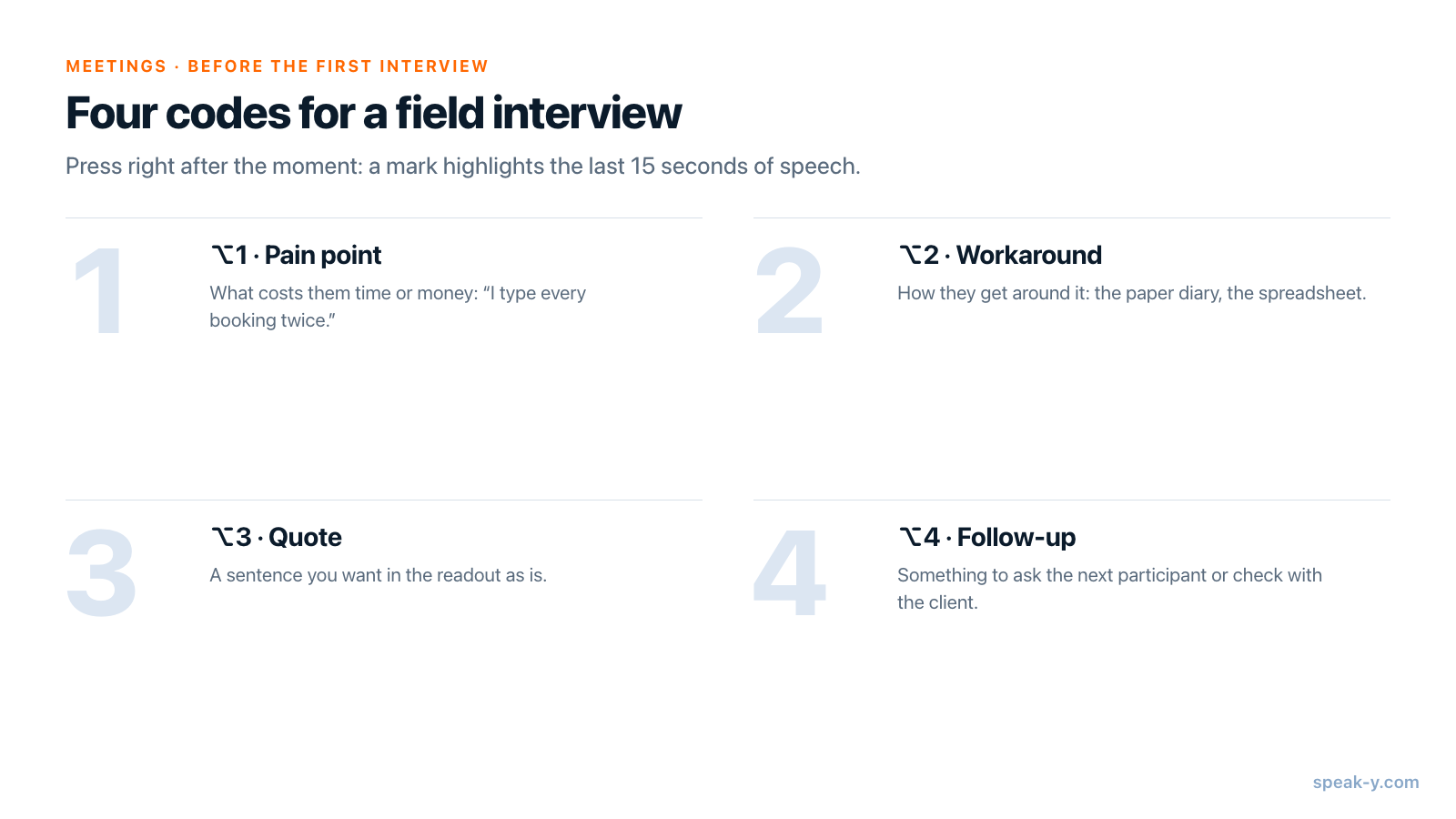
The hotkeys act only while a meeting is being recorded. Each press pins a mark of that type to the transcript and highlights the words of the last 15 seconds, so you press right after the moment, not before it.
Last, pick one tag for the study — Maya uses cadence-study — and a
second one for the sensitive group if you want to filter by it later.
Recording in the field: on a call or across a table
Remote interviews work like any meeting. Start the call; Speak-Y asks Record as Meeting? above the recording button, and you click the check mark. If no question appears, set Settings → Interface & Behavior → Meeting mode to Manual or Auto.
In-person interviews have no call to detect. Start a recording with your Speak-Y hotkey in hands-free mode, hover the recording button, and click the check mark on Record as Meeting? — from then on it is a meeting recording with the same note types. Both voices reach the app through the Mac's microphone, so put the laptop on the table between you and the participant, not on your knees.
During the interview, keep your eyes on the person:
- ⌥1 Pain point — when they describe something that costs them time or money: "I type every booking twice."
- ⌥2 Workaround — when they show you how they get around it: the paper diary, the spreadsheet, the sticky note on the monitor.
- ⌥3 Quote — a sentence you want in the readout as is.
- ⌥4 Follow-up — something to ask the next participant, or to check with the client.
Speak-Y records sound, not what the participant points at. Say what you see out loud — "so the paper diary is where the booking lives until Friday" — and your sentence carries the observation into the transcript next to your mark.
Check the length against your plan. As of 20 October 2026, Pro ($10 a month) records meetings up to 60 minutes and 10 hours a month; Pro+ ($15) up to 4 hours per meeting and 40 hours a month. Twelve one-hour interviews in a month need Pro+.
Right after each interview: a code, not a name
Open the recording from Meetings. Speak-Y numbers the speakers in the order they spoke, so you are usually Speaker 1.
- Click the participant's chip, type their code —
S03for the third staff interview,P02for the second patient — and press Enter. Everything built from the transcript takes this label: copied quotes, the channel feed, what an AI assistant reads later. - Click Speaker 1 and type your name, so a quote never lands on the wrong side.
- Click Tags and add
cadence-study.
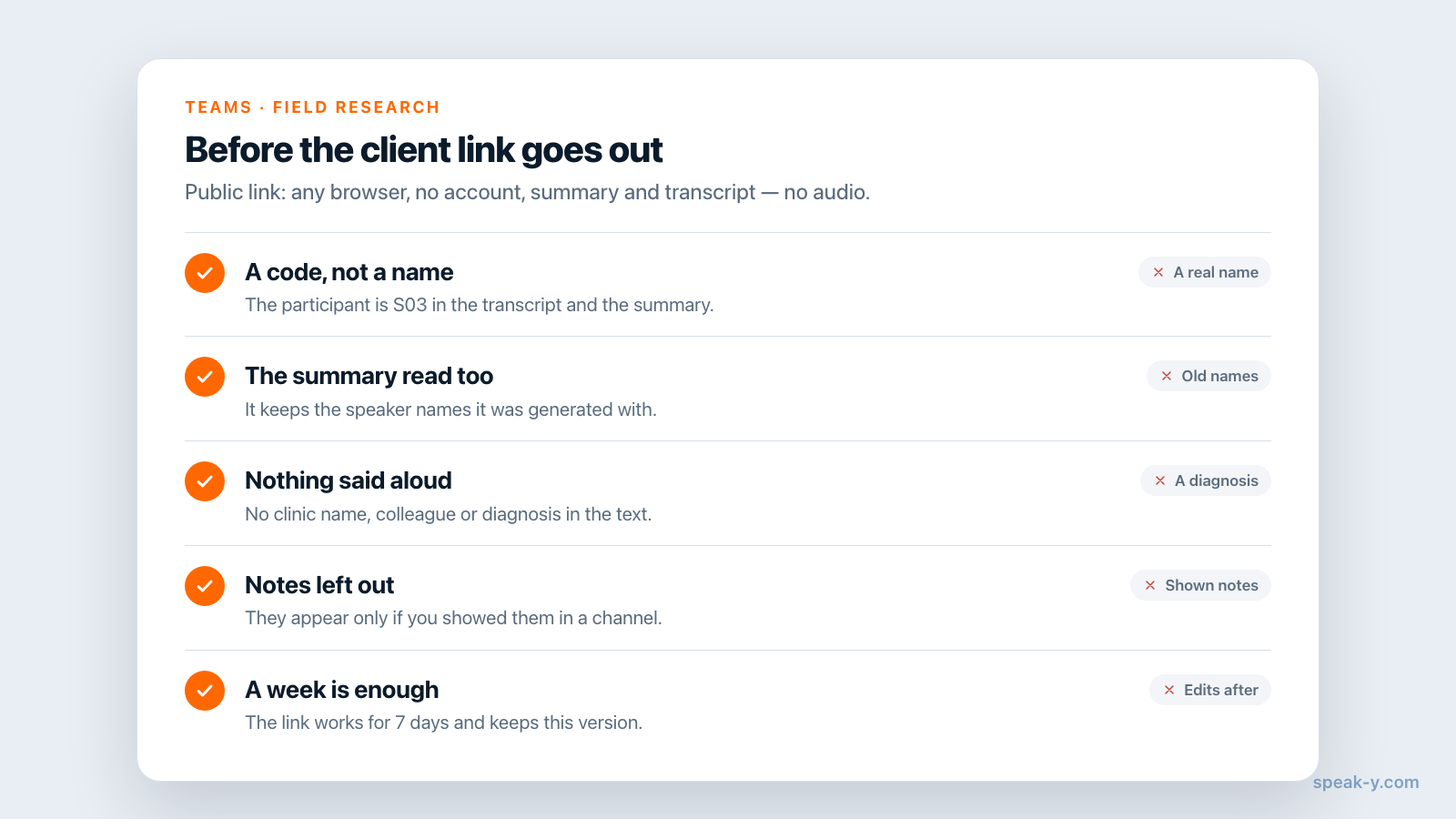
A code is pseudonymisation, not anonymisation: under GDPR Recital 26, data that can be linked back to a person is still personal data. Keep the code-to-name list in your recruiting sheet, not in Speak-Y, and read the transcript for what the participant said aloud — their clinic's name, a colleague, a diagnosis.
Two channels: one for the project, one for sensitive interviews
A workspace for the agency and a channel per study is the usual setup; setting up a team workspace covers the first steps. For a study like Maya's, add one private channel next to the project one.
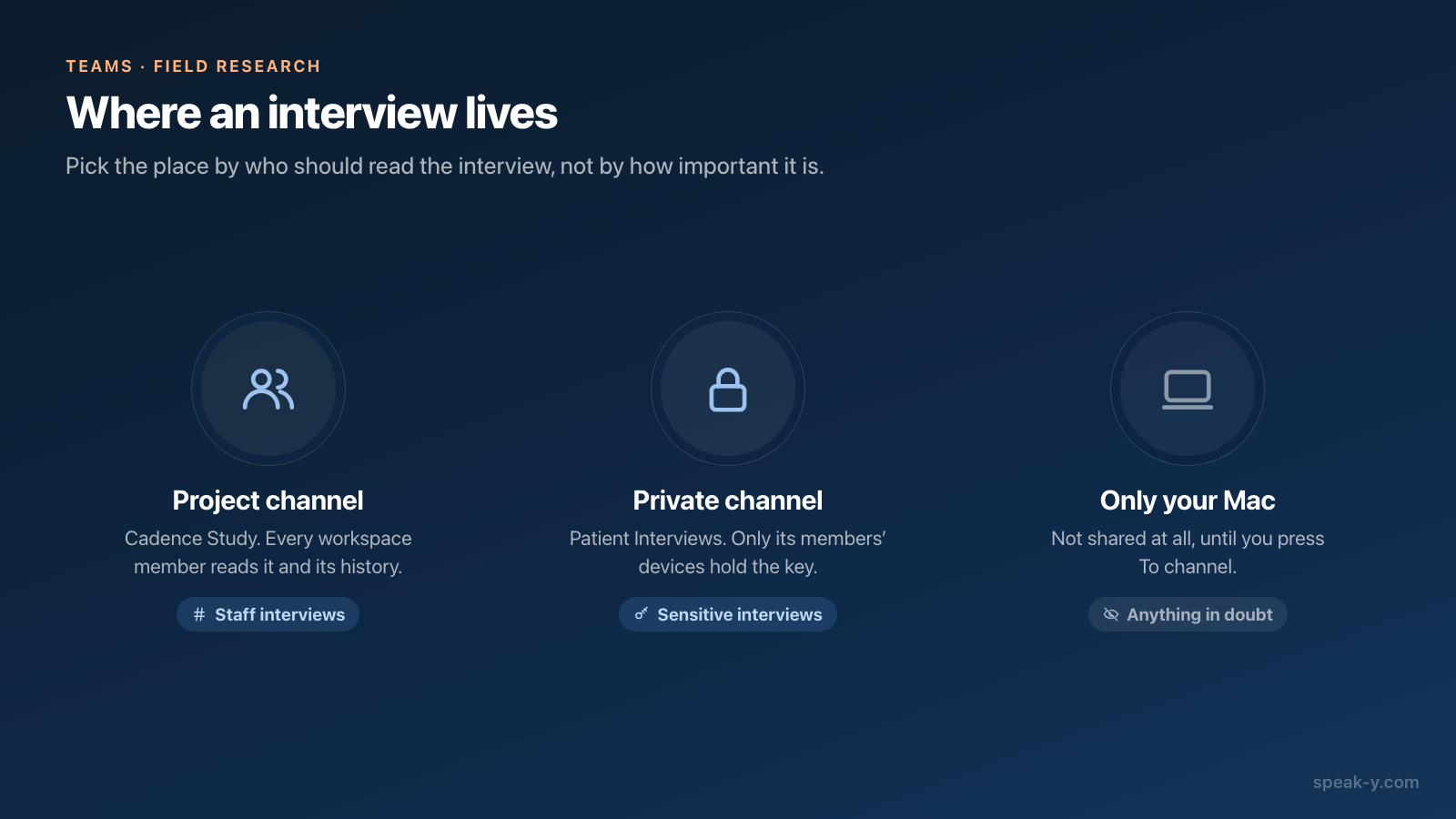
- Cadence Study — a public channel. Every member of the Northlight workspace sees it and its whole history, which is what you want for the eight staff interviews: the designers and the strategist read them before the synthesis workshop.
- Patient Interviews — a private channel with two members: Maya and the lead researcher. In the workspace's ⋯ menu, choose New channel, switch the type to Private, tick the people under Who can see this channel and click Create channel.
An interview you are unsure about can simply stay on your Mac: nothing reaches a channel until you press To channel on it.
Create the private channel yourself. Only its creator can remove a member or change its type later, and a public channel can never be made private, because everyone already has its history. A teammate shown greyed out in the member list has not activated encryption yet and has to open Speak-Y and set their encryption password before they can be added.
Sending an interview is one action on its screen: To channel in the action bar under the transcript, then the channel. Teammates get the transcript with speaker names and the summary; the audio stays on your Mac. Your marks stay private on a shared recording until you switch them to show in that channel.
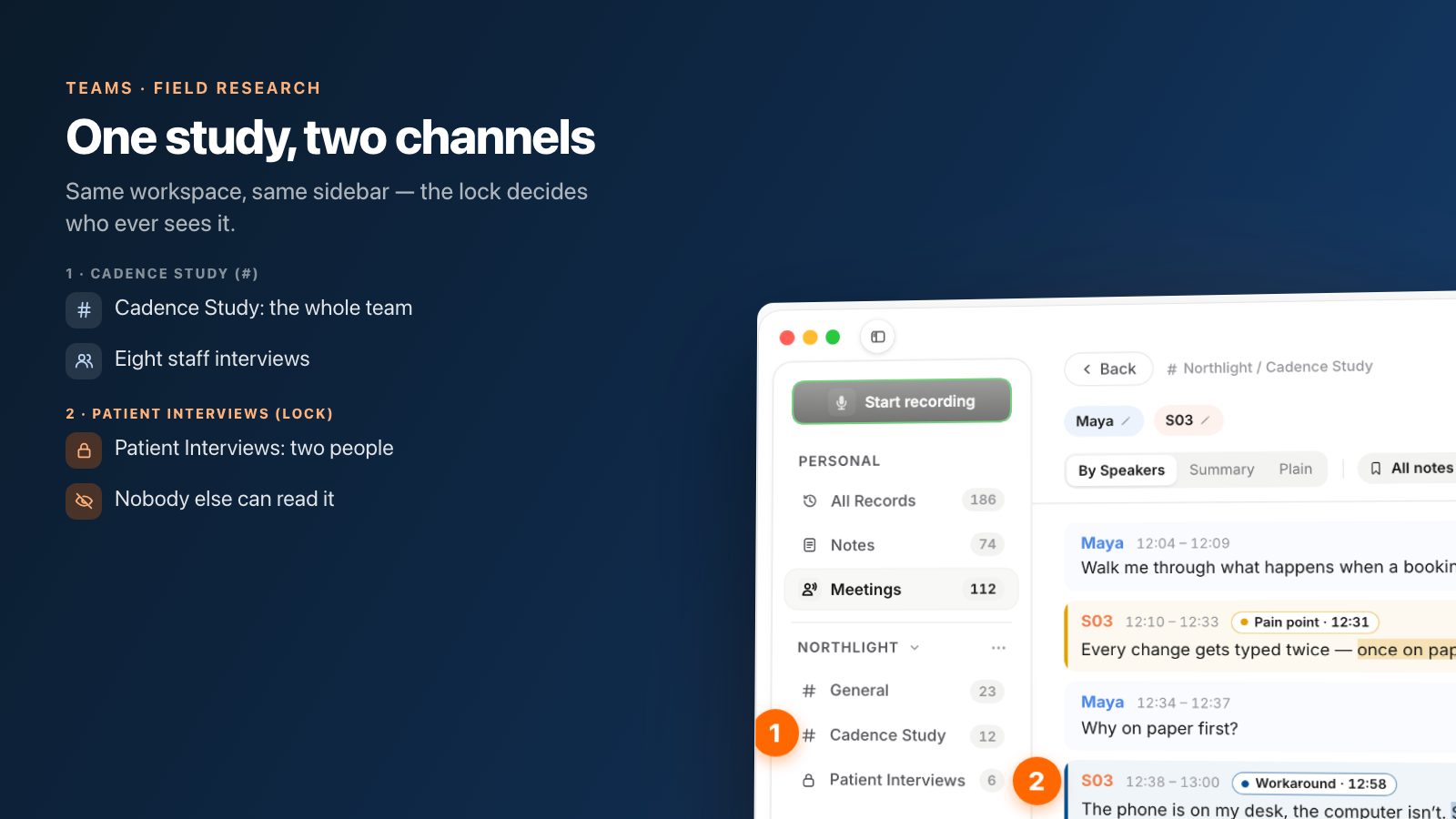
Private here means a key, not a hidden folder. Each channel is encrypted with its own key, held only by its members' devices; the server stores ciphertext. A colleague who was not added has nothing the app could show them. How end-to-end team sharing works explains the mechanism, including the one exception: the workspace Recovery Kit can re-issue any channel's key, so it belongs with the workspace owner.
Sending the client one interview for a week
The client is not part of your workspace, and inviting them in for two interviews would open every public channel to them. Send a link instead.
Open the interview from All Records — the link button is on your own copy,
not on the one in a channel feed — and click Public link under the
transcript. The link is on your clipboard and works for 7 days in any
browser, without an account. The client sees the summary and the transcript
by speaker, with your participant codes; the audio is not part of it. The
key to the content travels in the part of the address after #, which the
browser does not send to the server.
Four details matter for research:
- A link is a snapshot. If you rename a speaker or edit the text after creating it, the old link keeps the old version; click Public link again for a new one.
- The summary keeps the names it was generated with. Renaming Speaker 2
to
S03later does not change it, so read the summary before you send the link, not only the transcript. - Notes are left out by default. They appear only if you showed them in a channel first.
- Taking it back early means deleting the recording, which revokes its live links. There is no button to revoke one link and keep the recording.
That is why patient interviews do not get links at all in Maya's study: the client reads her findings about them, not the transcripts. Sharing a meeting with a public link covers the rest.
What stays your work
Speak-Y keeps the interview, the codes and the access right. It does not do the parts that make research research:
- Consent records. The consent form and its wording live with your study documents; the recording only holds what was said.
- Retention and deletion. When a participant withdraws, delete the interview in the channel feed — Speak-Y removes it from the channel for everyone — and your own copy in Meetings, which also revokes its live public links. Your own copy waits in Recently Deleted for 30 days, so clear it there as well. What teammates already copied stays with them.
- Synthesis. The marks give you sorted evidence with times. Affinity
mapping, the themes and the readout are still yours. An AI assistant
connected through the Speak-Y MCP server can group every Pain point
across the recordings tagged
cadence-study, but play each moment before a quote goes into the deck.
Twelve interviews, two channels and a couple of week-long links: the team reads what it needs, the client reads what you chose, and the sensitive conversations stay with the two people who held them. The Teams page explains workspaces, private channels and encryption in one place.
FAQ
Can Speak-Y record an in-person research interview without a call?
Yes, on a Mac. Start a recording with your Speak-Y hotkey in hands-free mode, hover the recording button and click the check mark on Record as Meeting?. Both voices reach the app through the Mac's microphone, so place the laptop between you and the participant. No bot joins anything, which also means nobody announces the recording for you.
How do I keep sensitive interviews away from the rest of the research team?
Share them into a private channel instead of the project channel. A private channel in Speak-Y has its own encryption key that only its members' devices hold, so a teammate who was not added cannot read its recordings, and neither can the server. Create it yourself: only the channel's creator can remove a member or change its type later.
How can a client see one interview without joining our workspace?
Send a public link. Open the recording on your Mac and click Public link under the transcript; the link is copied and works for 7 days in any browser without an account. It shows the summary and the transcript by speaker, not the audio, and your notes only if you chose to show them in a channel.
Does renaming a participant to a code make the interview anonymous?
It helps, but it is pseudonymisation, not anonymisation. Under GDPR Recital 26, pseudonymised data that can be linked back to a person is still personal data. Read the transcript and the summary for names, employers and health details the participant said aloud before you share it, and keep the code-to-name list outside Speak-Y.
Which Speak-Y plan fits a field study of one-hour interviews?
As of 20 October 2026, Pro ($10 a month) records meetings up to 60 minutes and 10 hours a month, and Pro+ ($15) up to 4 hours per meeting and 40 hours a month. Creating a team workspace needs Pro or higher; teammates you invite join on any plan, including Free.